Eleven storefront themes v26.9+
Maho comes with a complete set of storefront themes, one for each kind of shop: fashion, electronics, food, books, jewelry, beauty, home, sports, kids, garden, and a neutral default. Every theme is a finished storefront, optimized for its industry, with its own type, palette, rhythm and dark mode. All of them run on the same catalog, checkout and admin, and all of them ship in the box with Maho 26.9.
Every theme is a starting point, not a cage. A merchant restyles it from the admin, with no code and no build. A developer extends it with a child theme that stays upgrade-safe. The details are below.
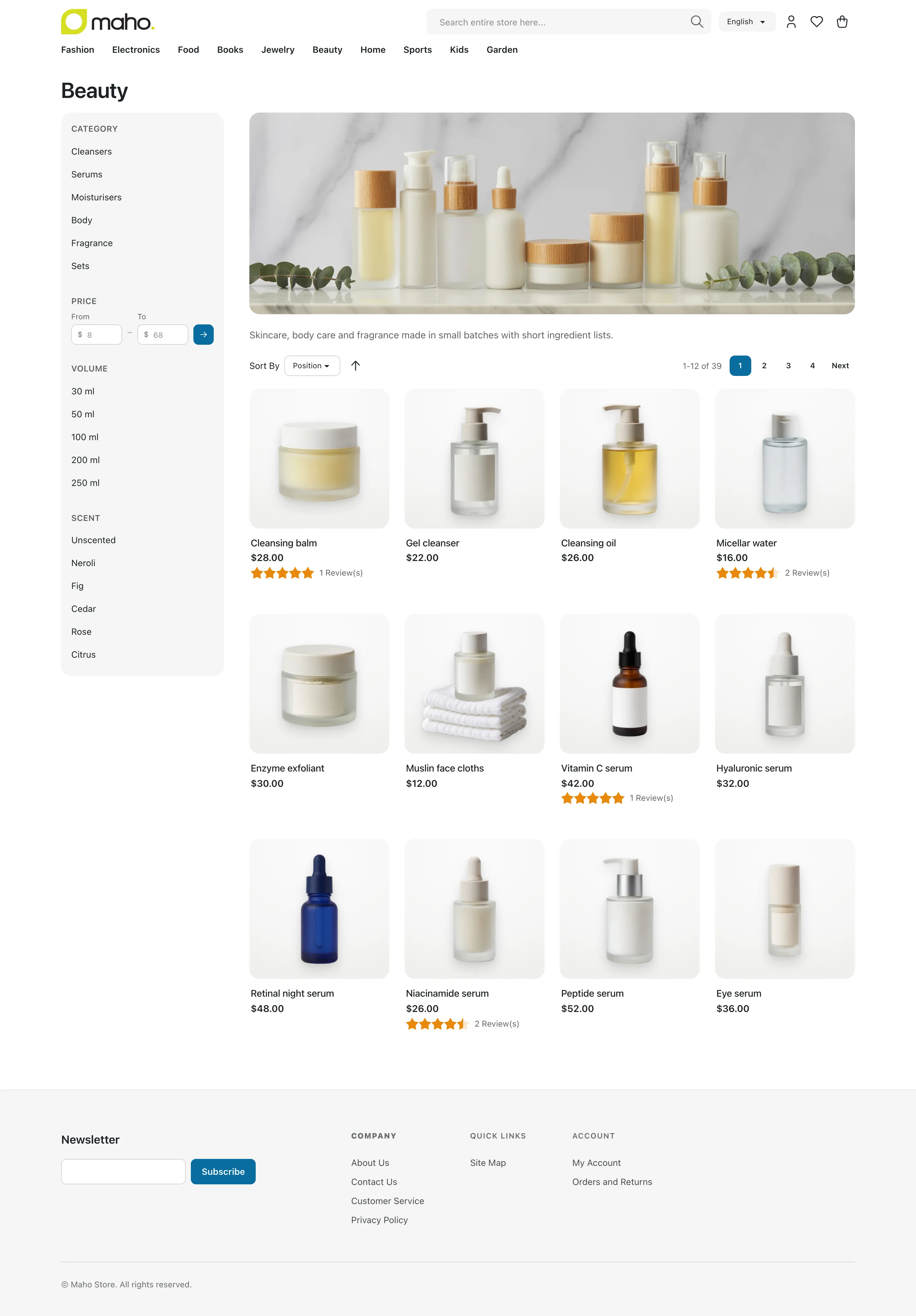
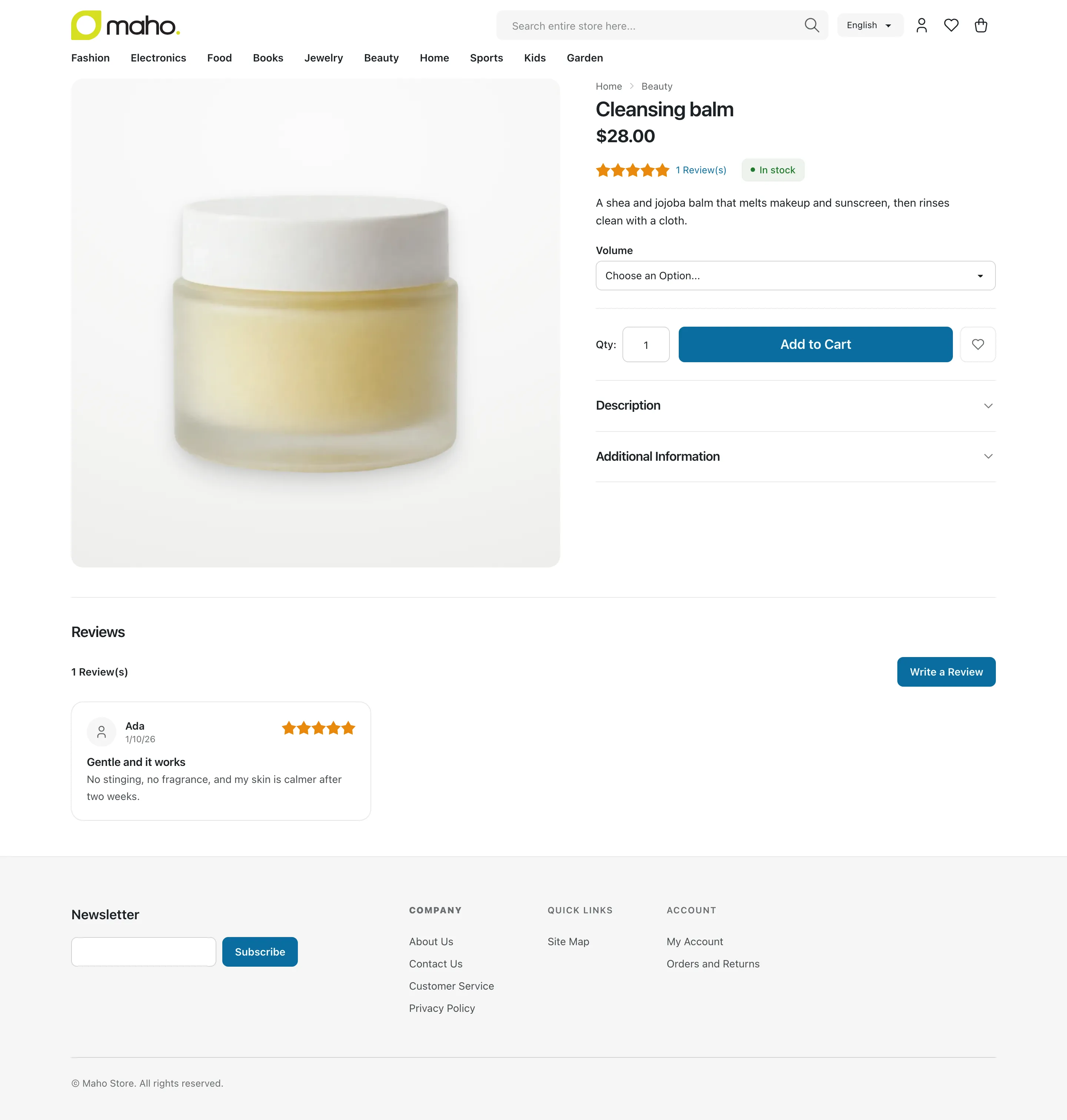
Pick a theme, step through the home, category and product pages with the arrows, and flip the lightbulb to see it in dark mode. Every theme is live in the demo store.
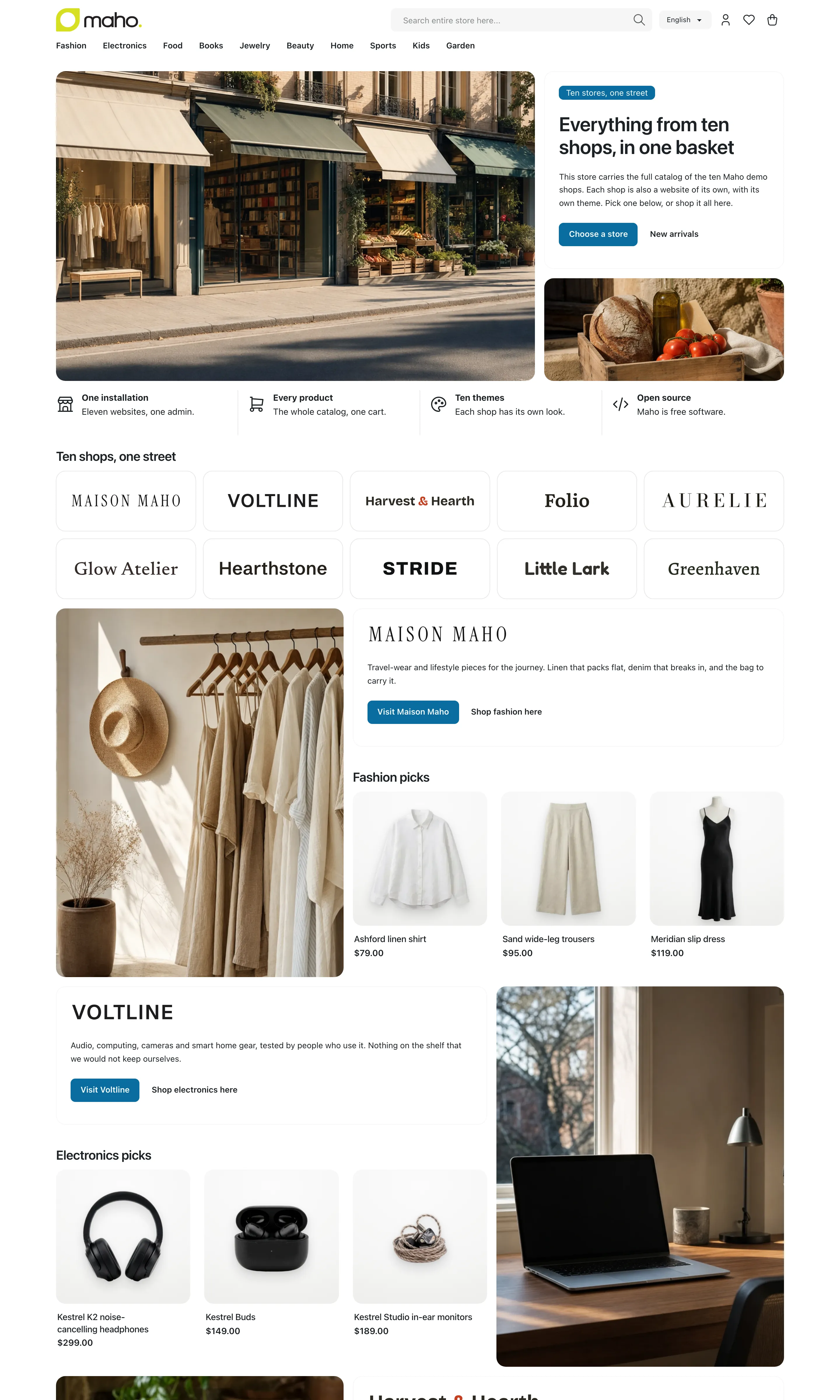
The window scrolls: every capture is the full page. Food and Kids carry no dark palette, so the bulb stays off on those two.
Every theme
Default Light + dark
The neutral Maho storefront. Near-black text on white, warm grey surfaces, a deep blue for actions with a teal accent. Soft corners, flat surfaces.
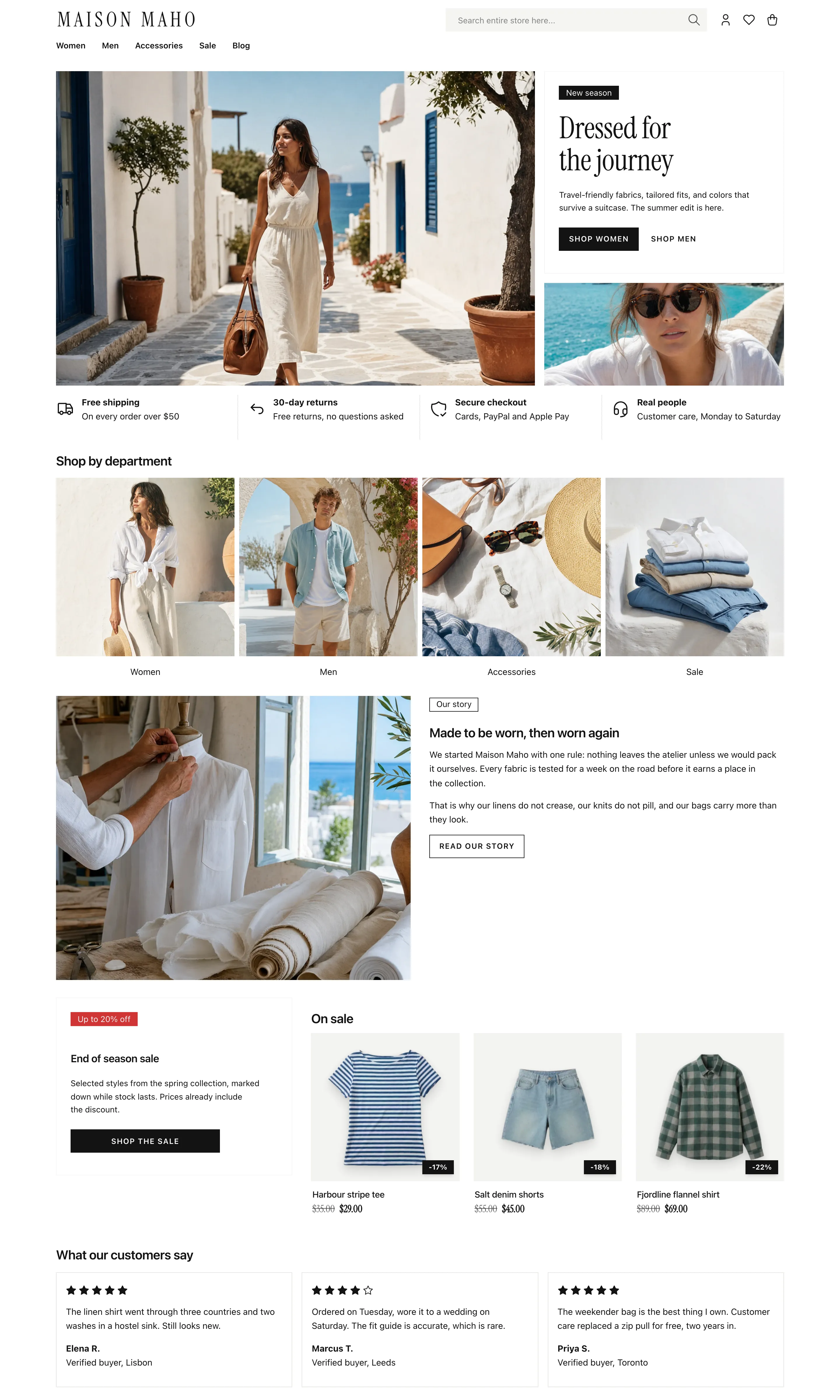
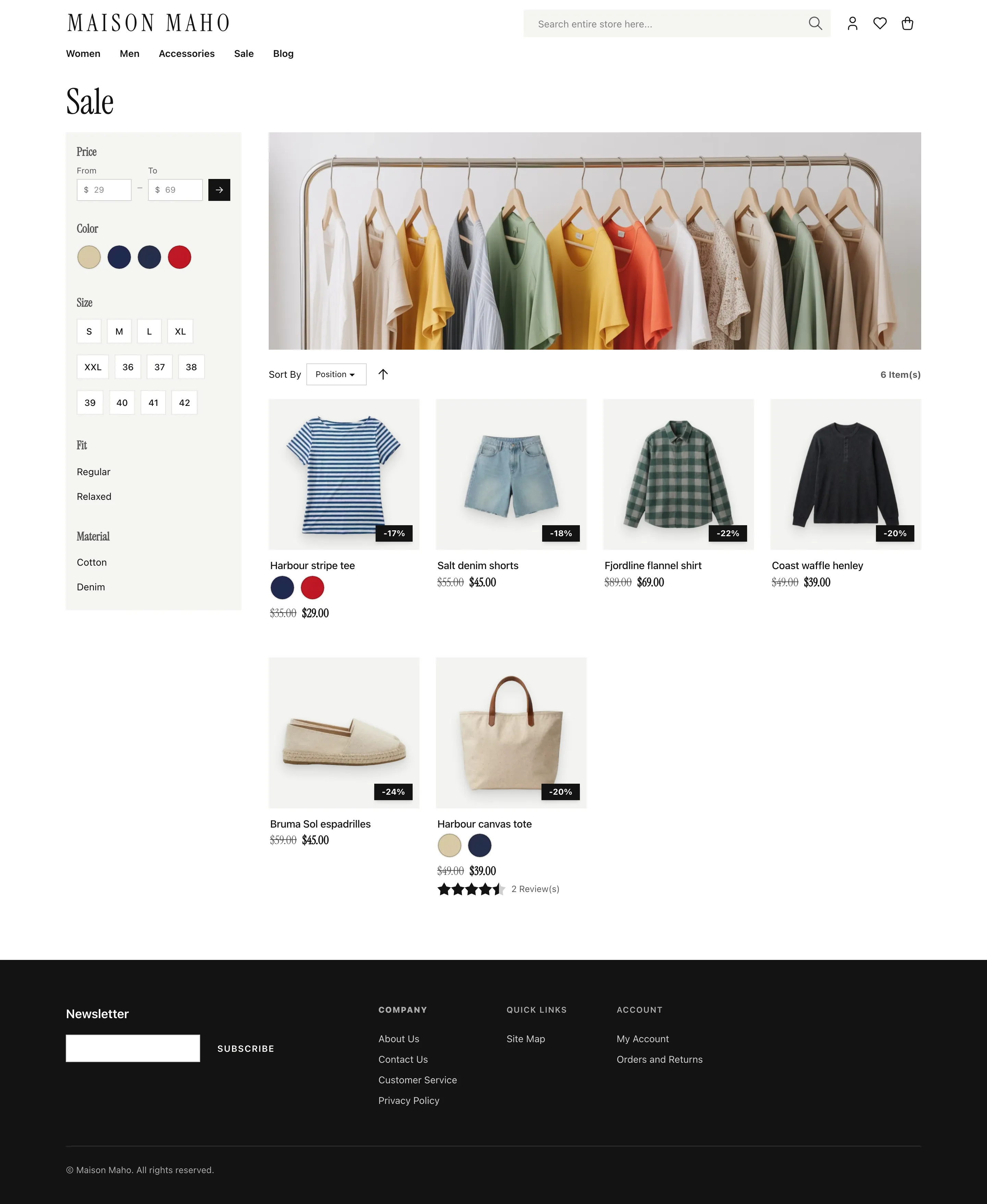
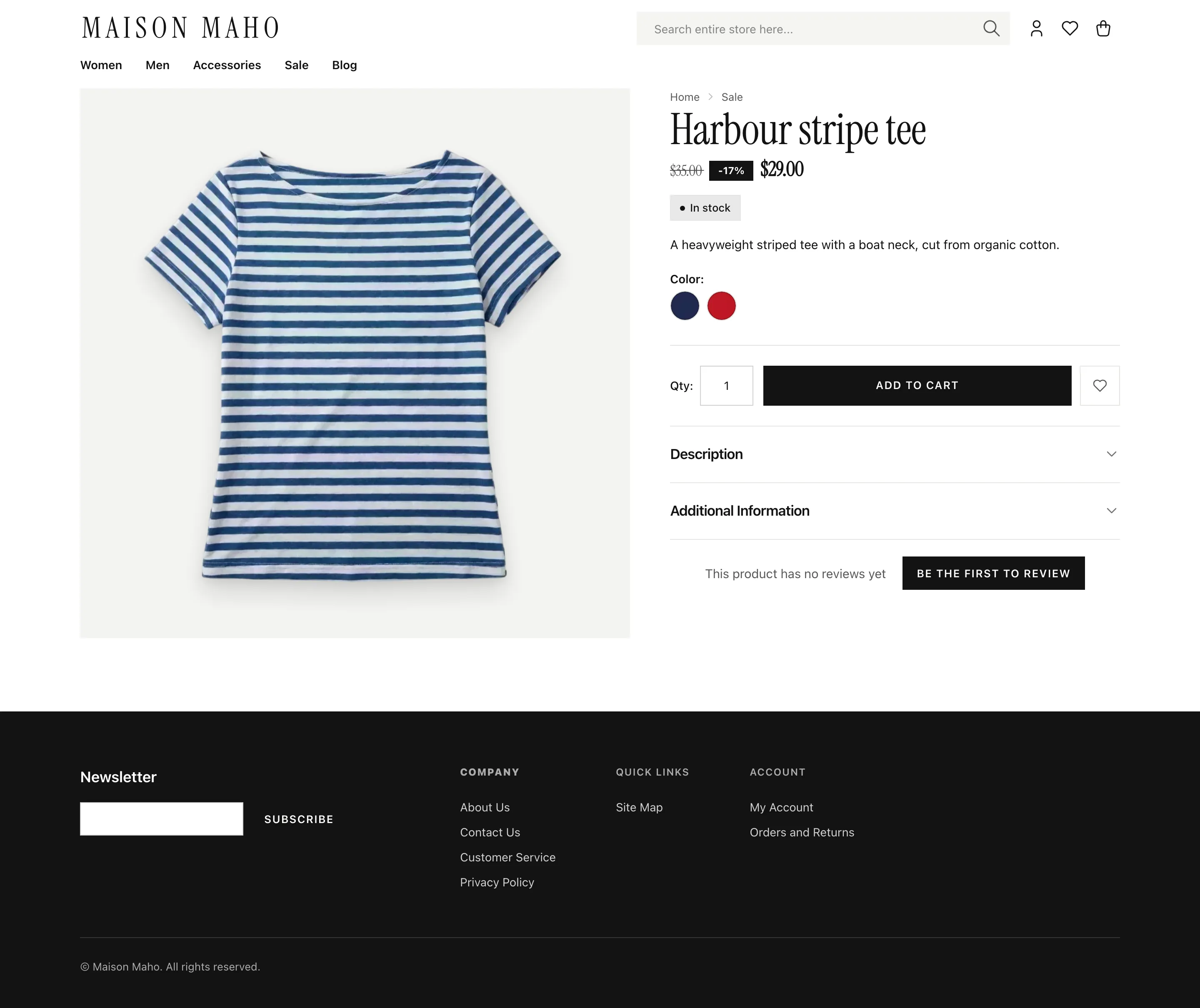
Fashion Light + dark
Editorial black and white. Oversized serif titles over a clean sans, uppercase actions, square corners, an ink footer.
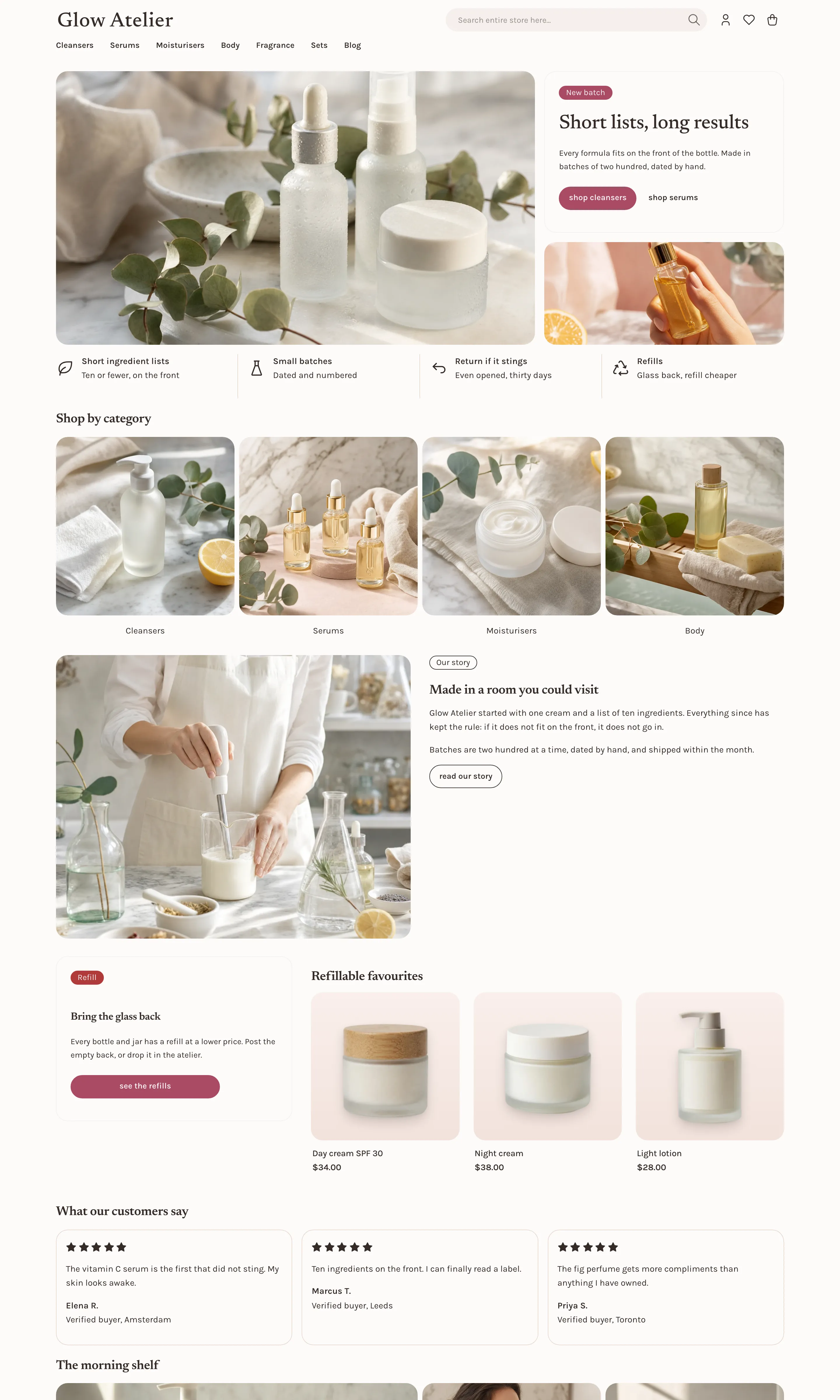
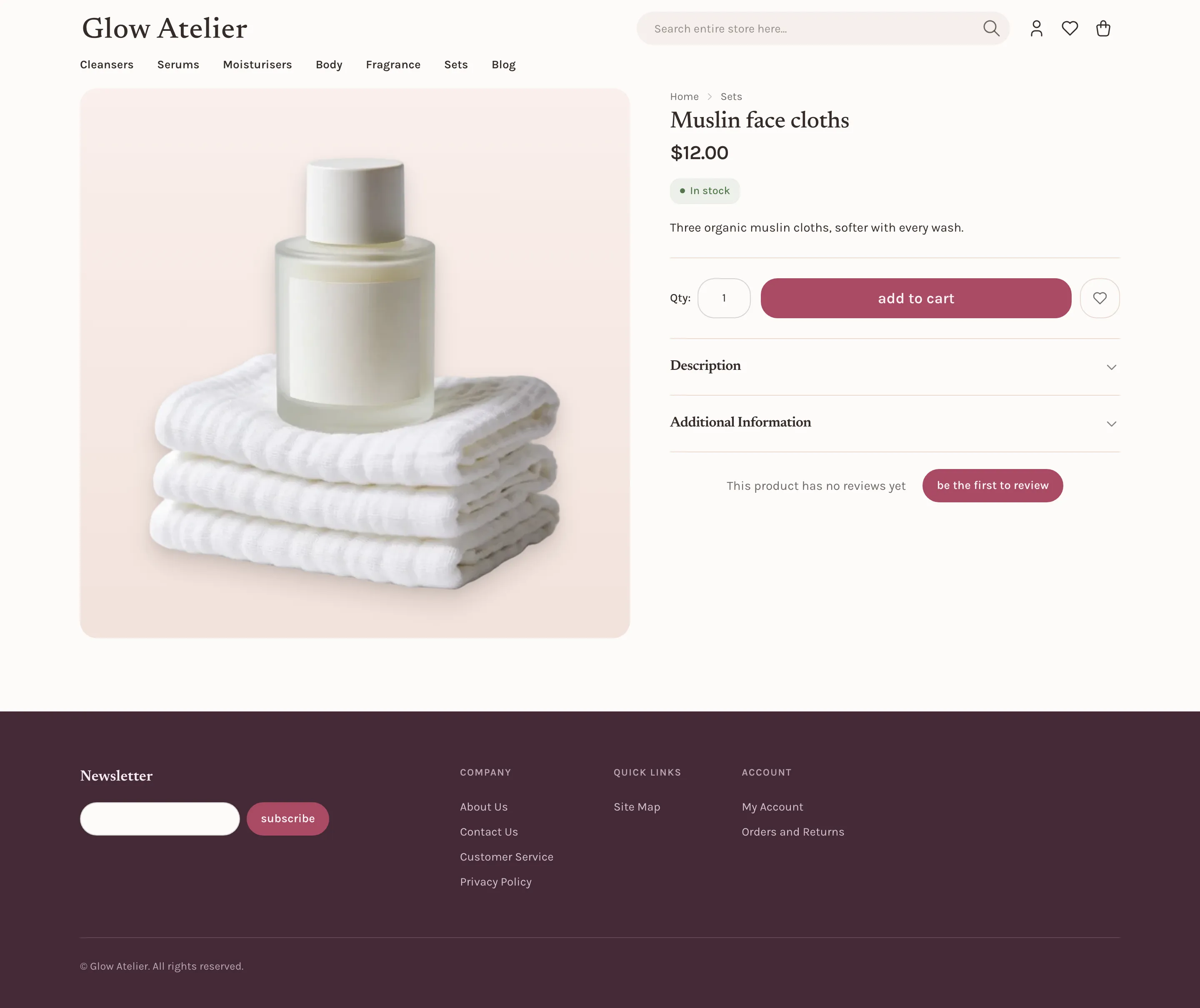
Beauty Light + dark
Milky near-white surfaces and petal tiles. One mauve-berry voice with sage in support, pill geometry, lowercase actions.

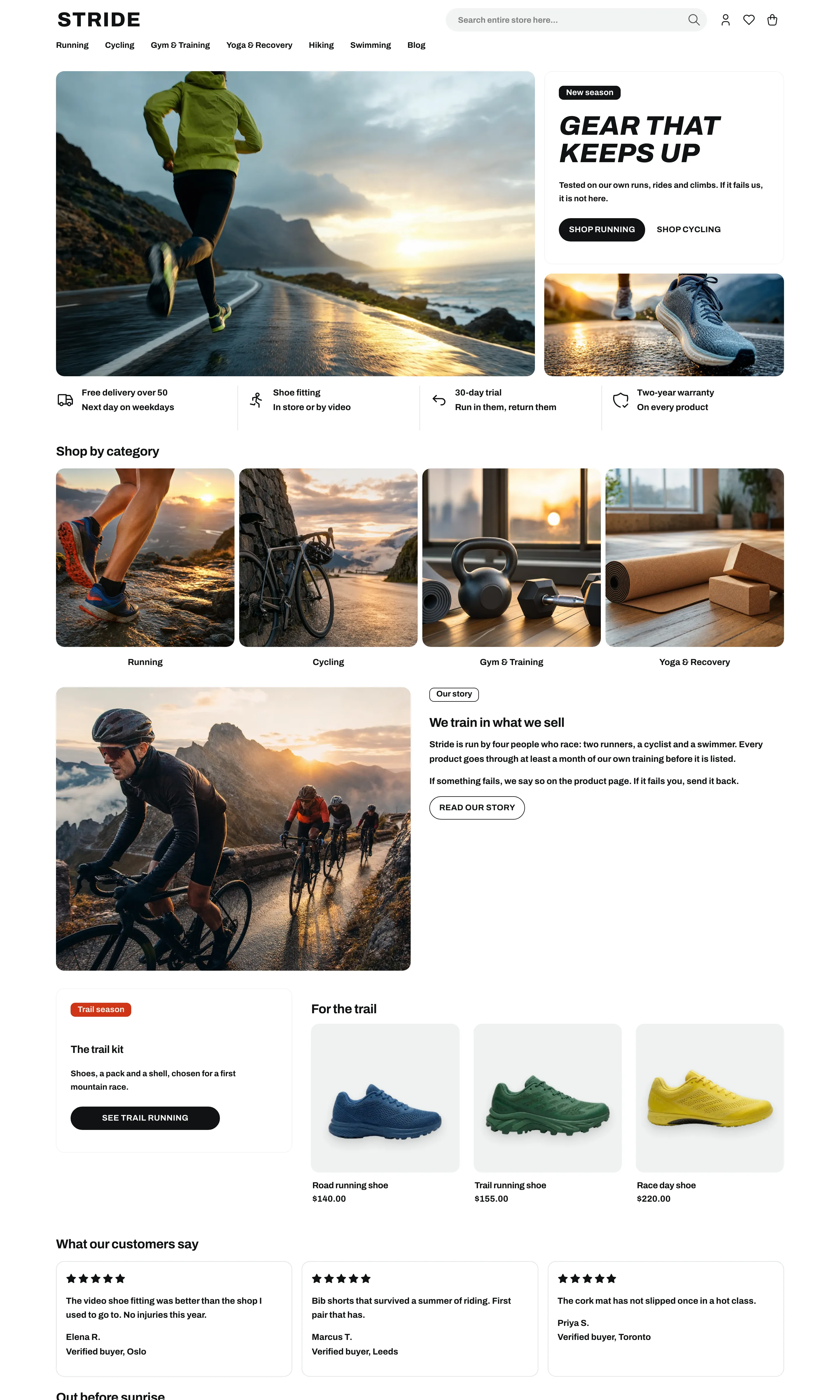
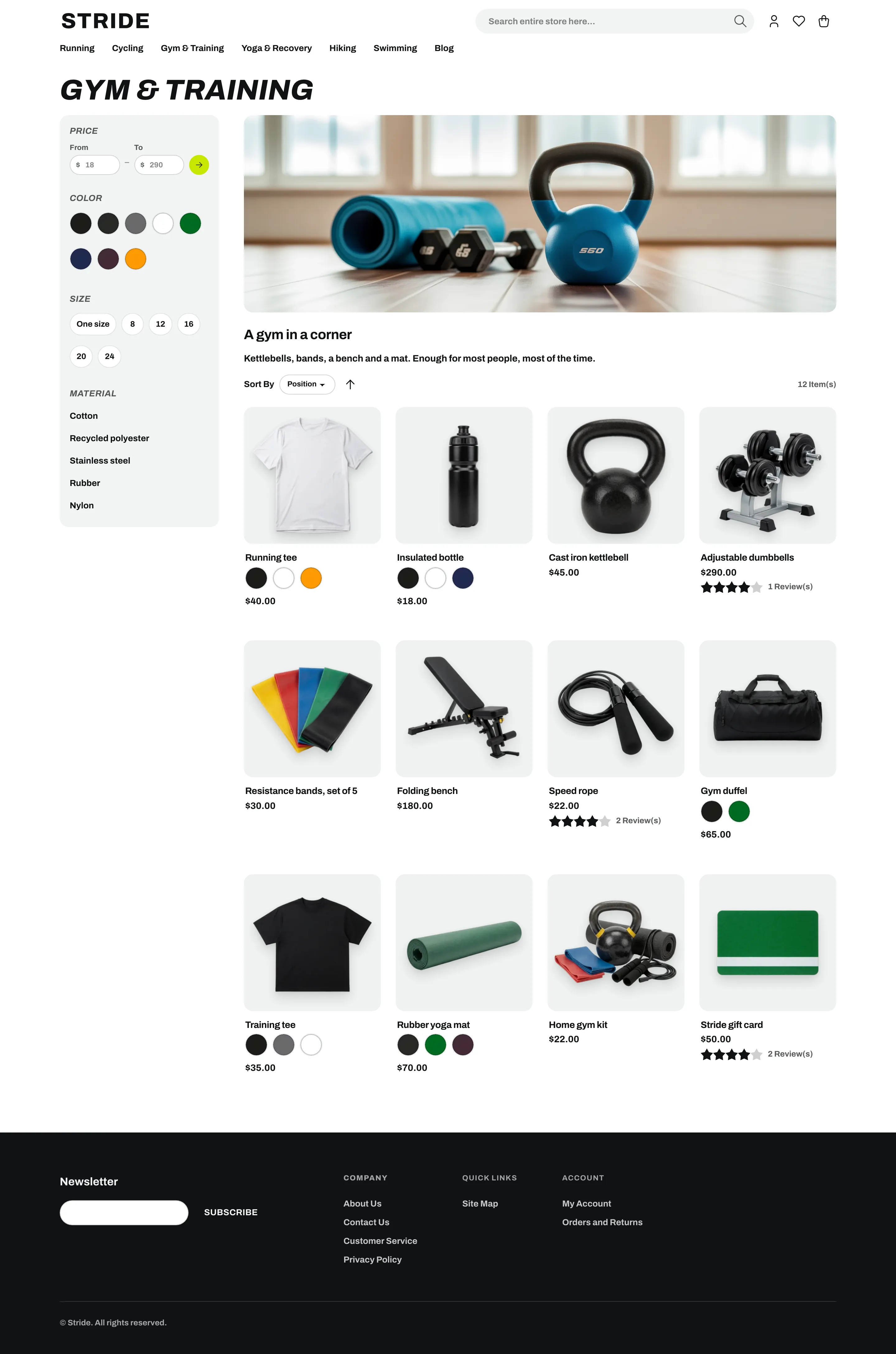
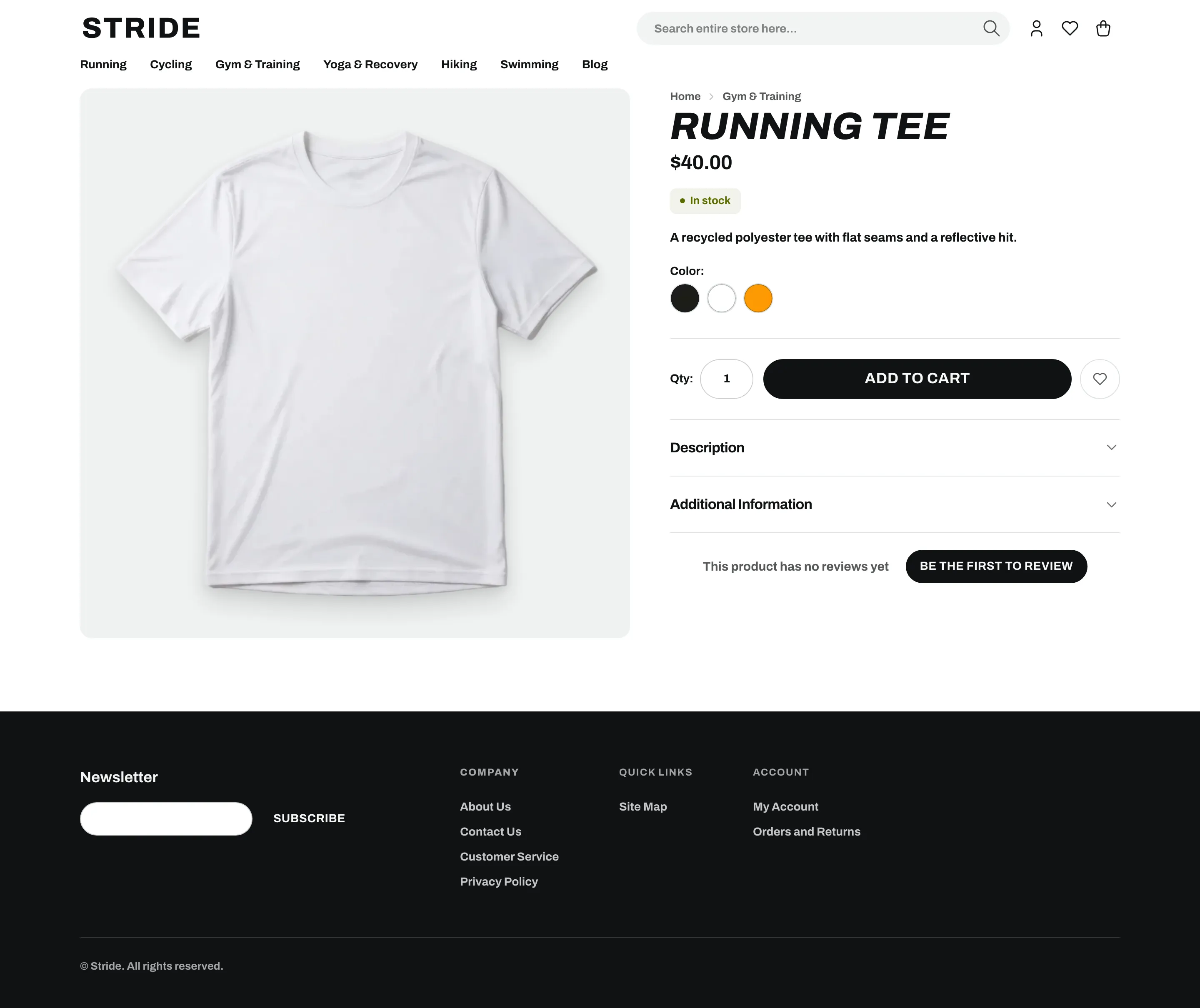
Sports Light + dark
Athletic. A white page, heavy condensed headlines, black pill buttons, and volt spent only on the sale badge.
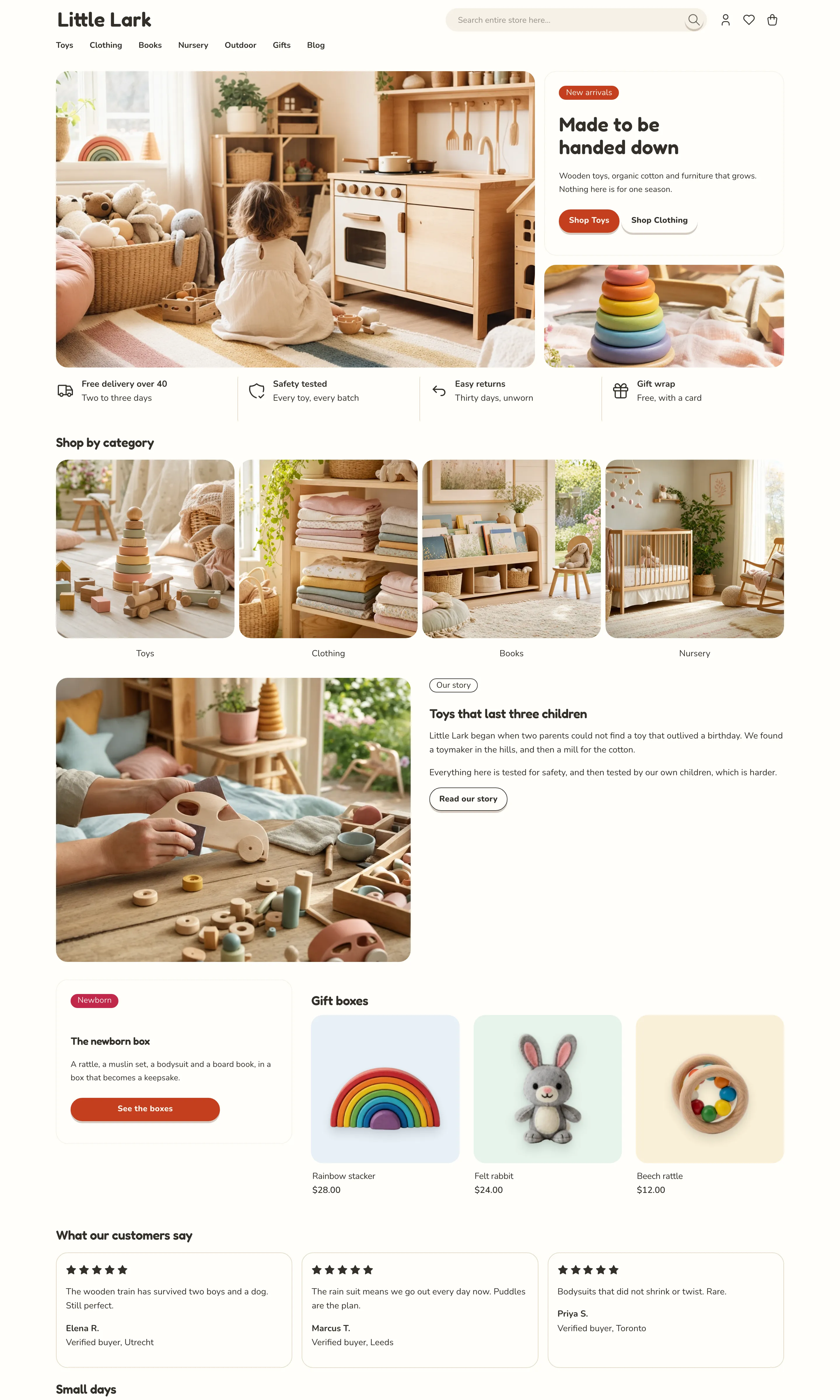
Kids Light only
Toy shop. A bright warm-white page, rotating pastel grounds, one crayon-red action, and buttons that squish.
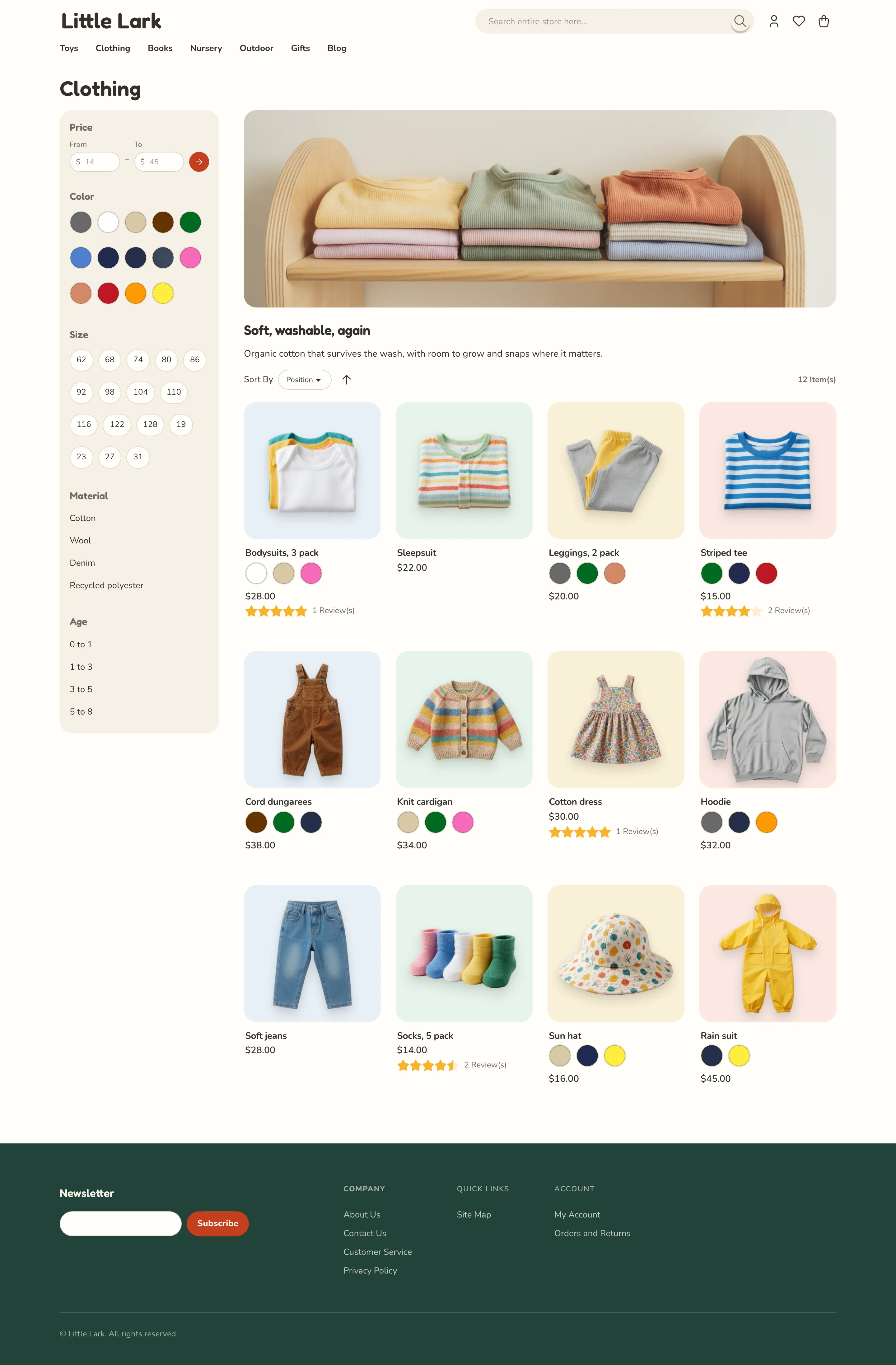

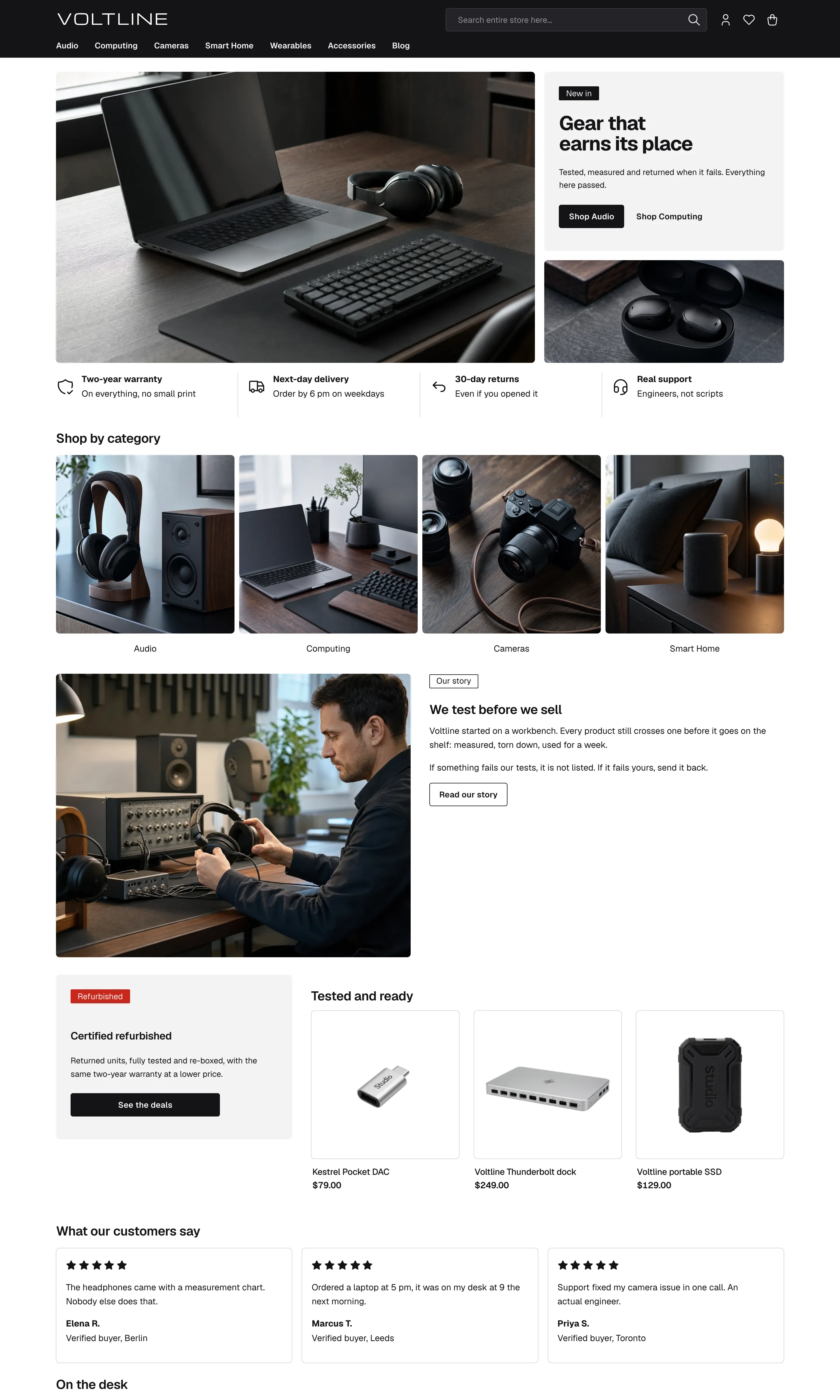
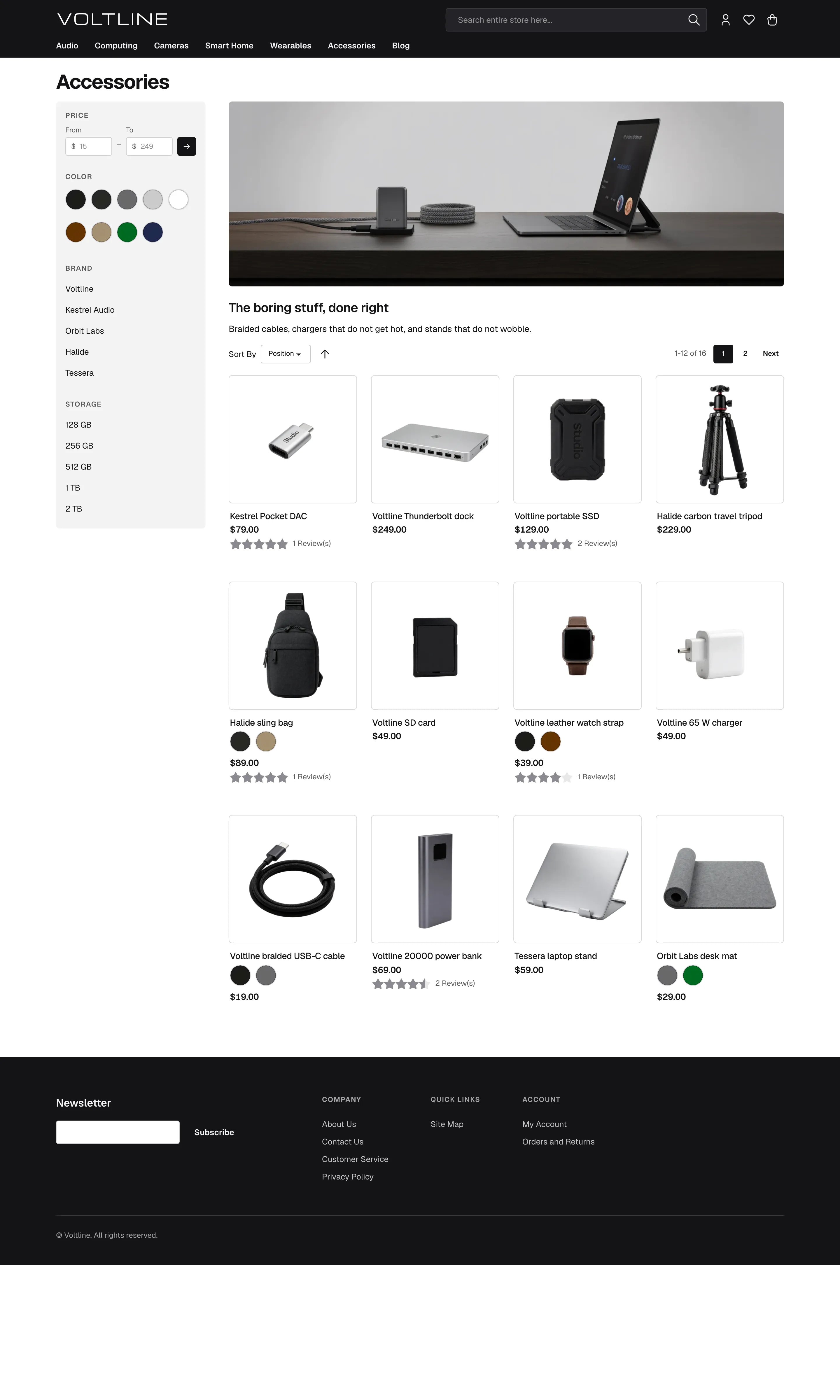
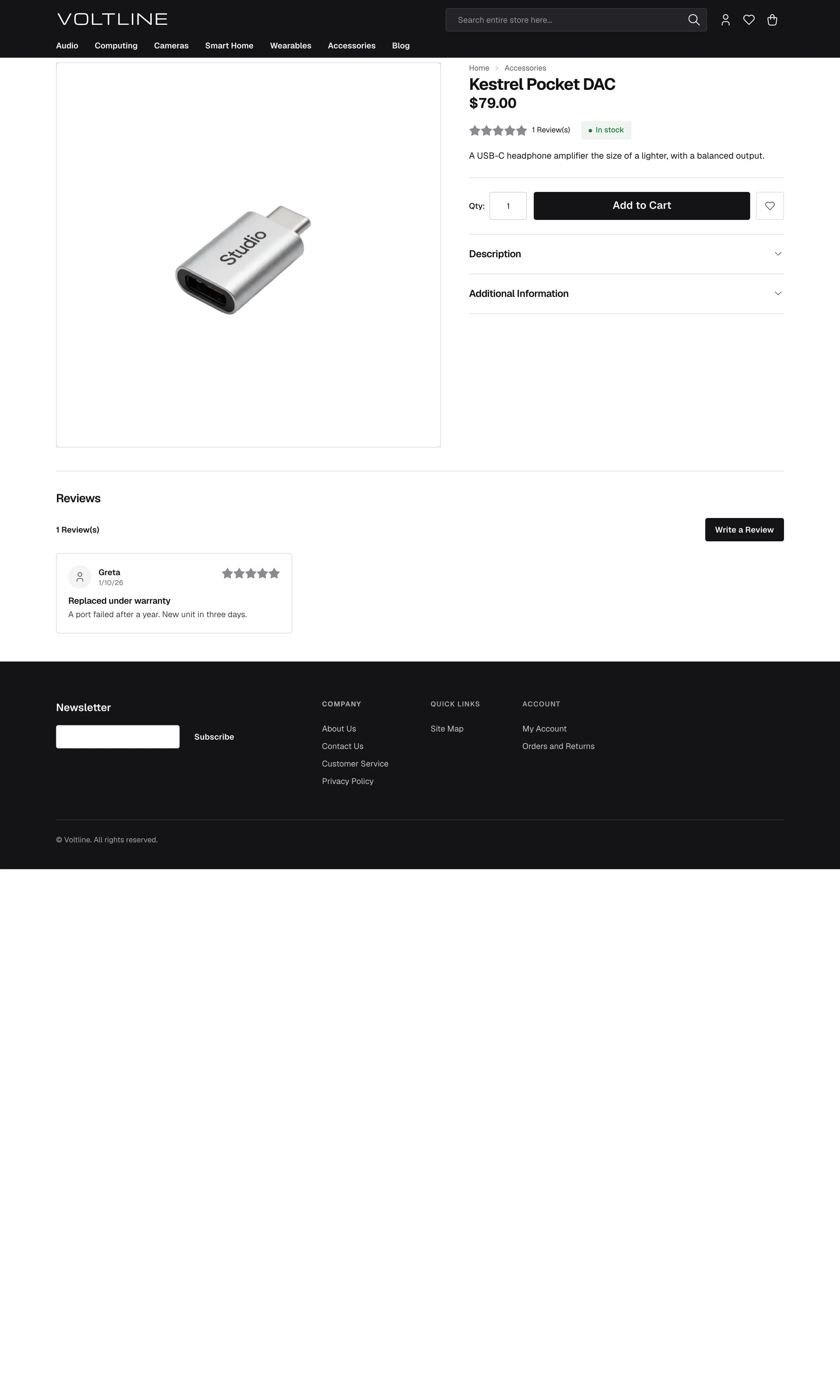
Electronics Light + dark
Precision hardware. A white page under a solid black app bar, hard edges, ink actions, and every product framed by a hairline.
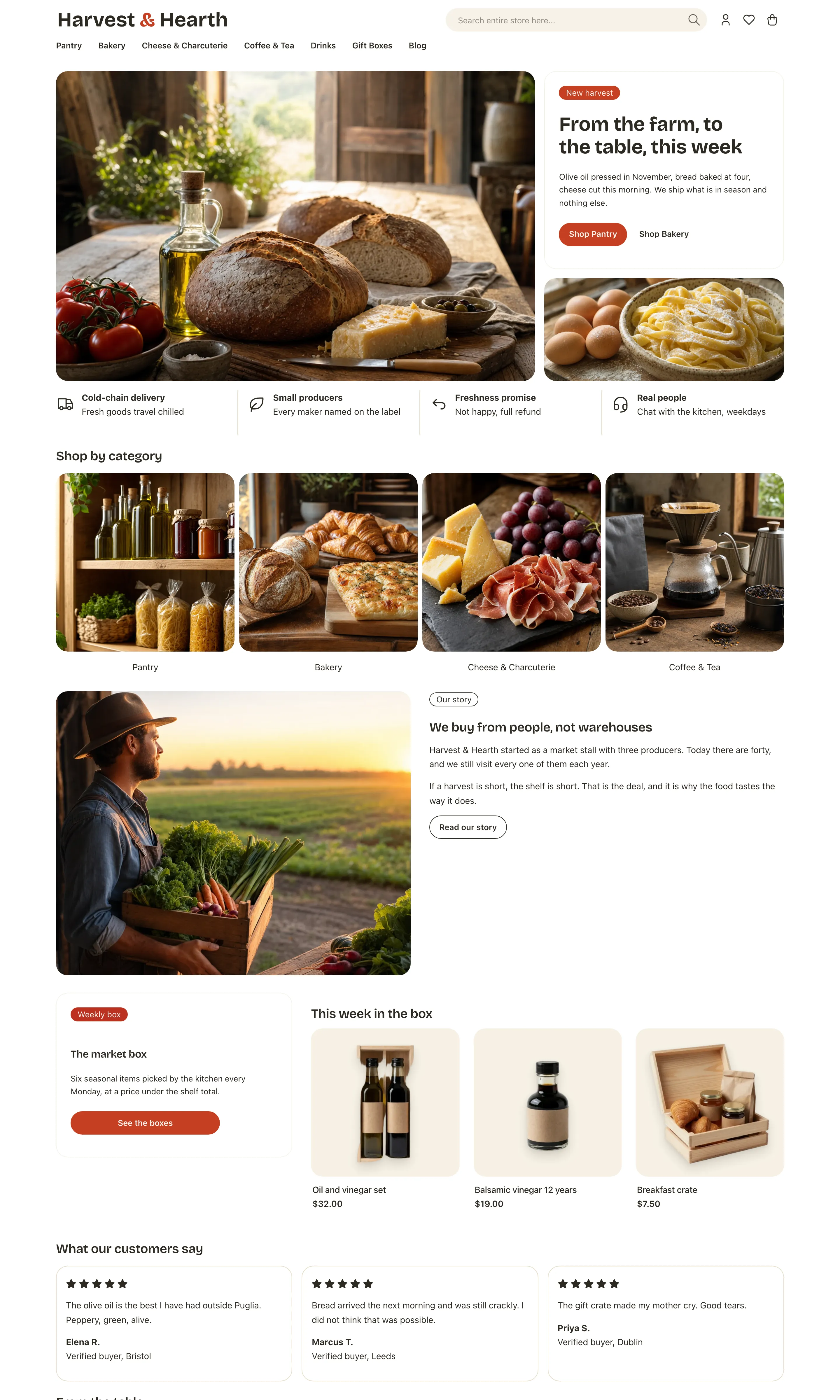
Food Light only
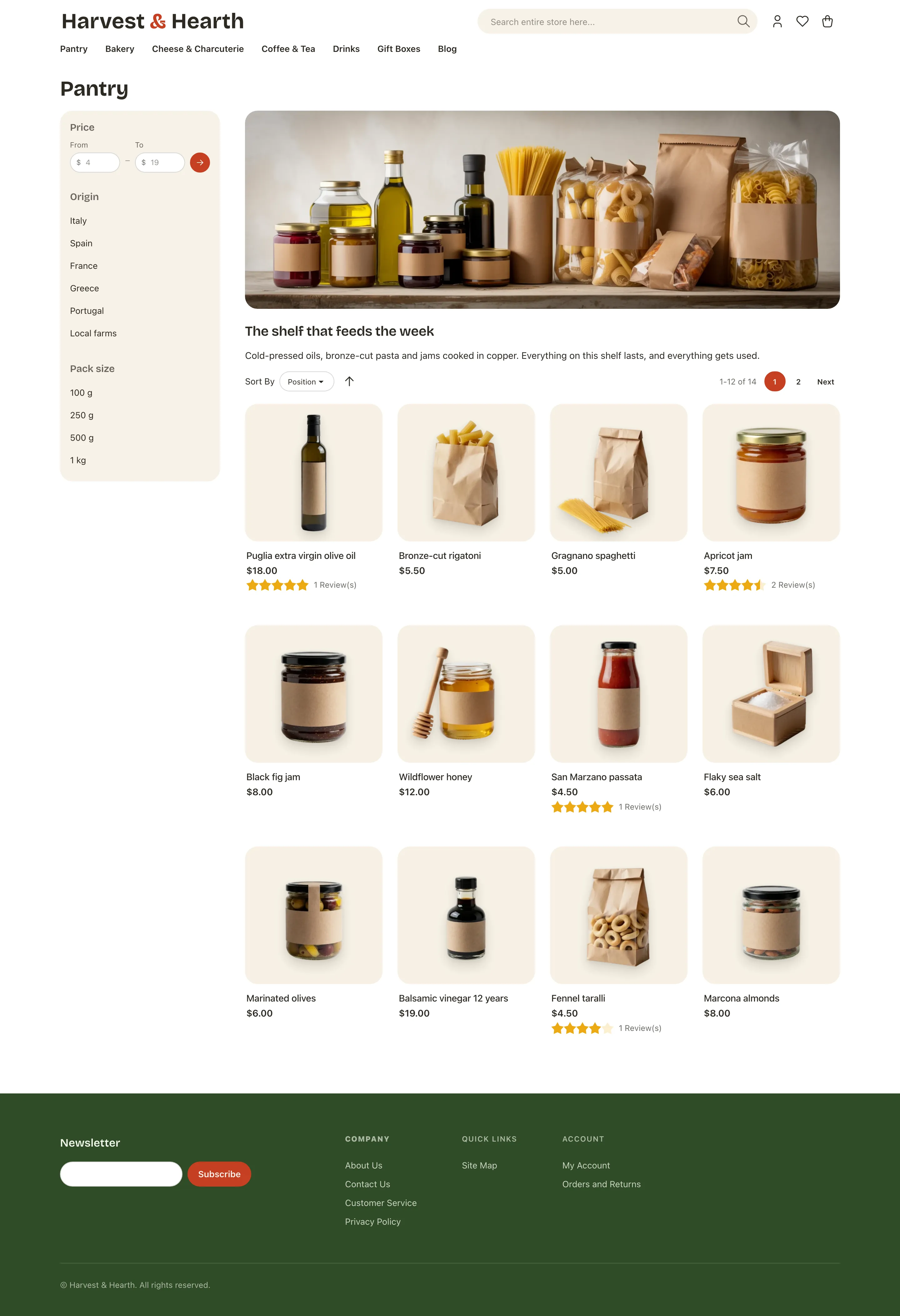
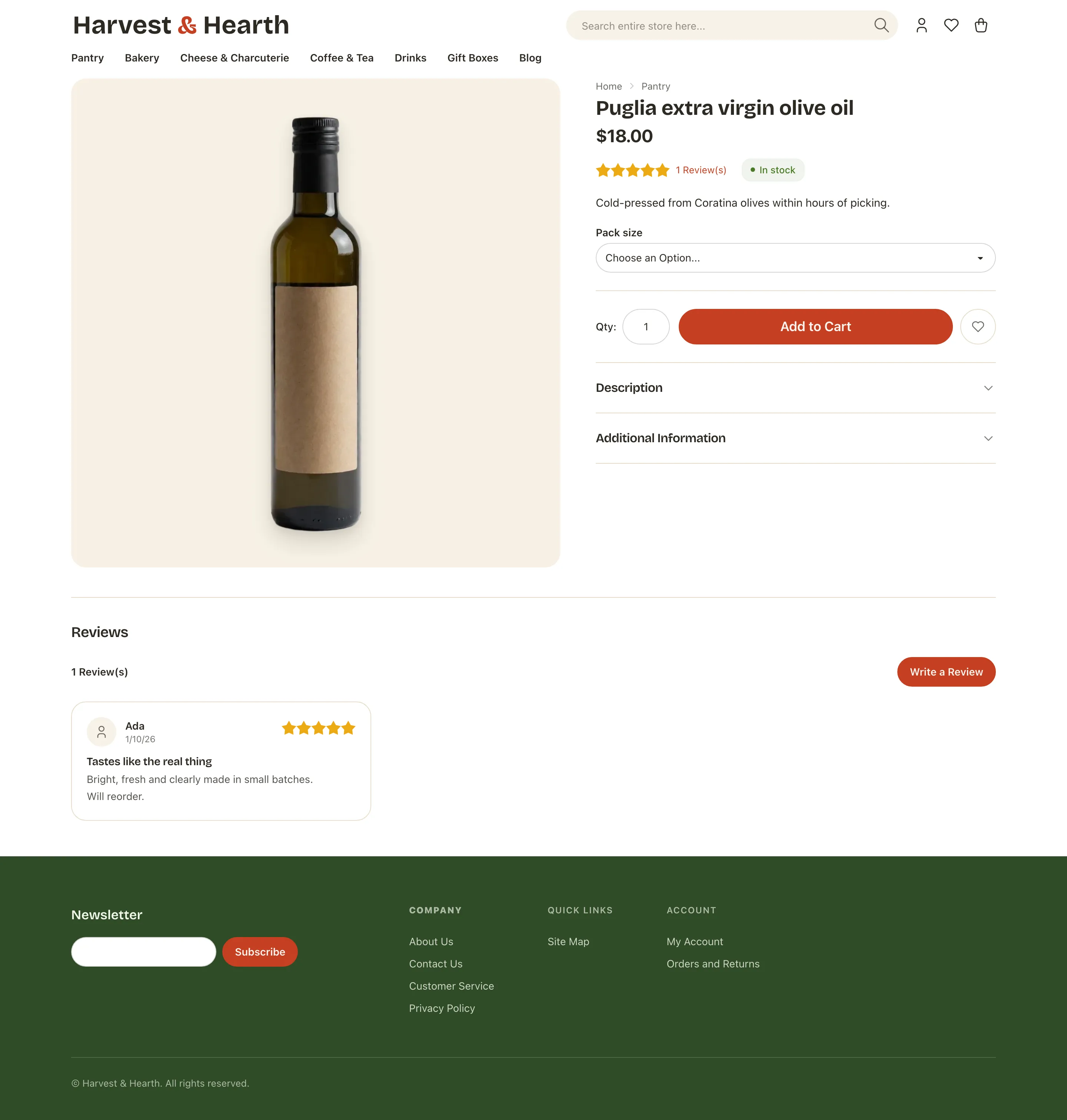
Fresh market. Tomato actions with basil and saffron in support, warm cream tiles, a deep basil footer, round pills.
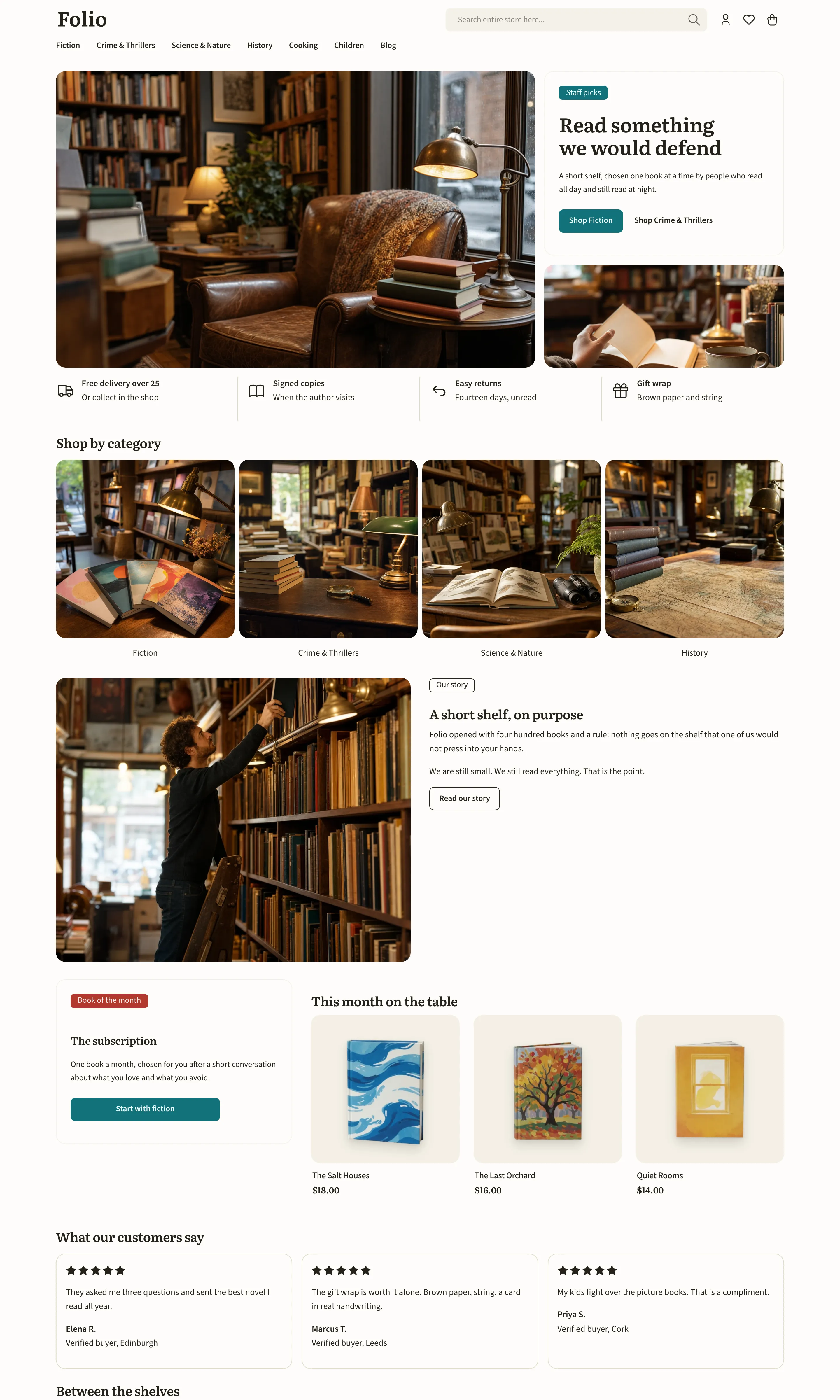
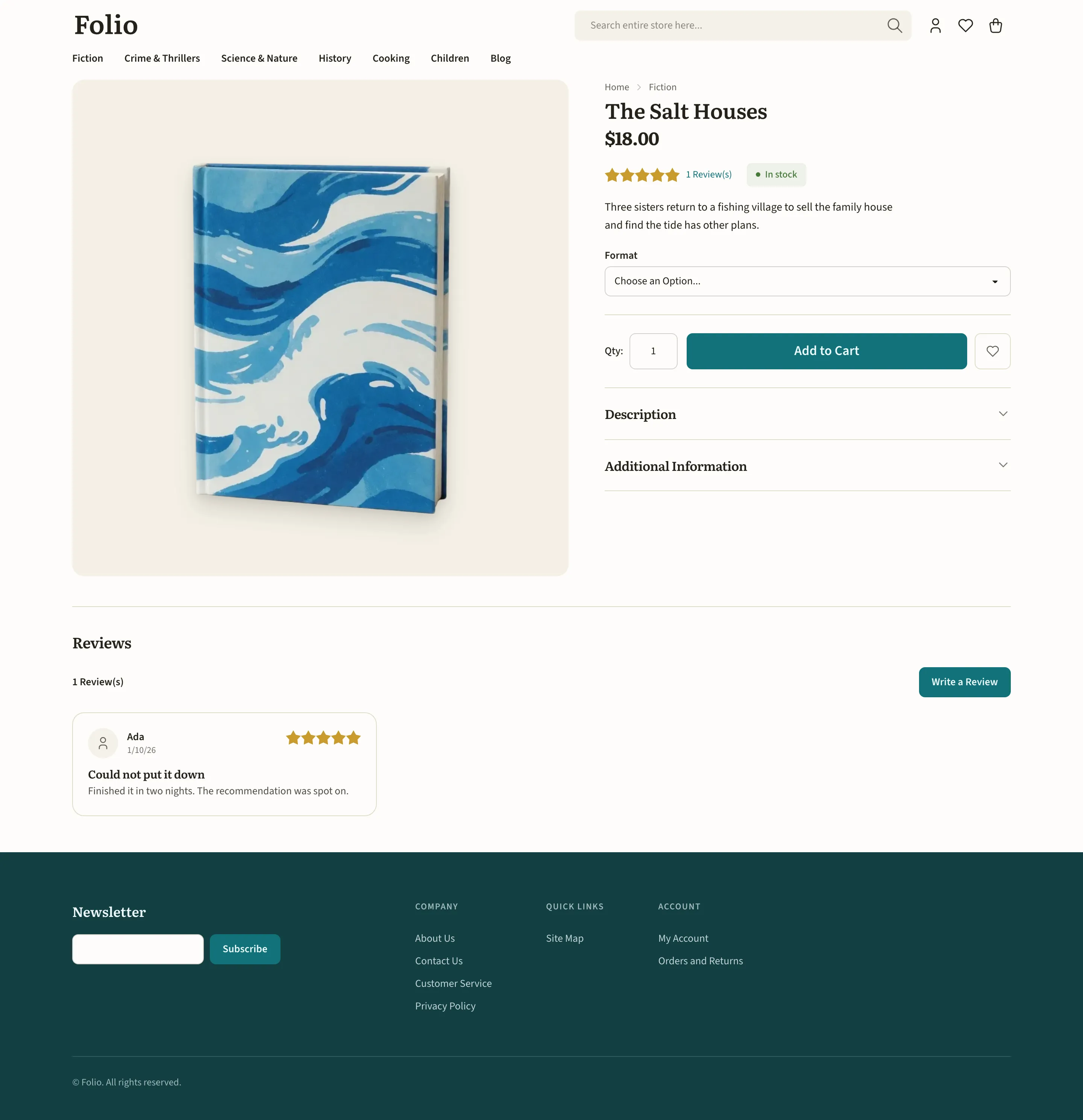
Books Light + dark
Bookshop paper. Deep teal actions with a marigold counterpoint, and warm tiles that let the covers carry the color.
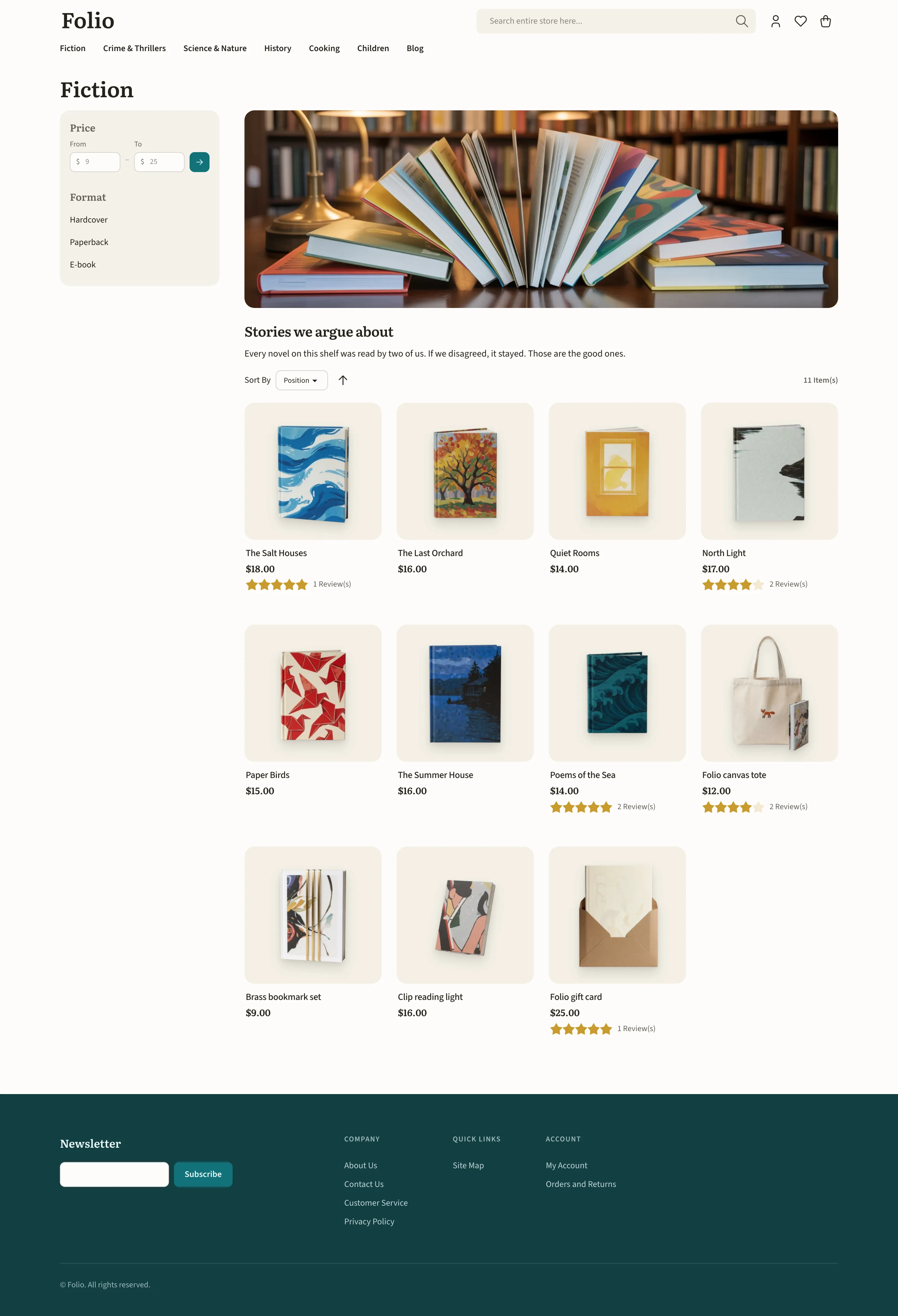
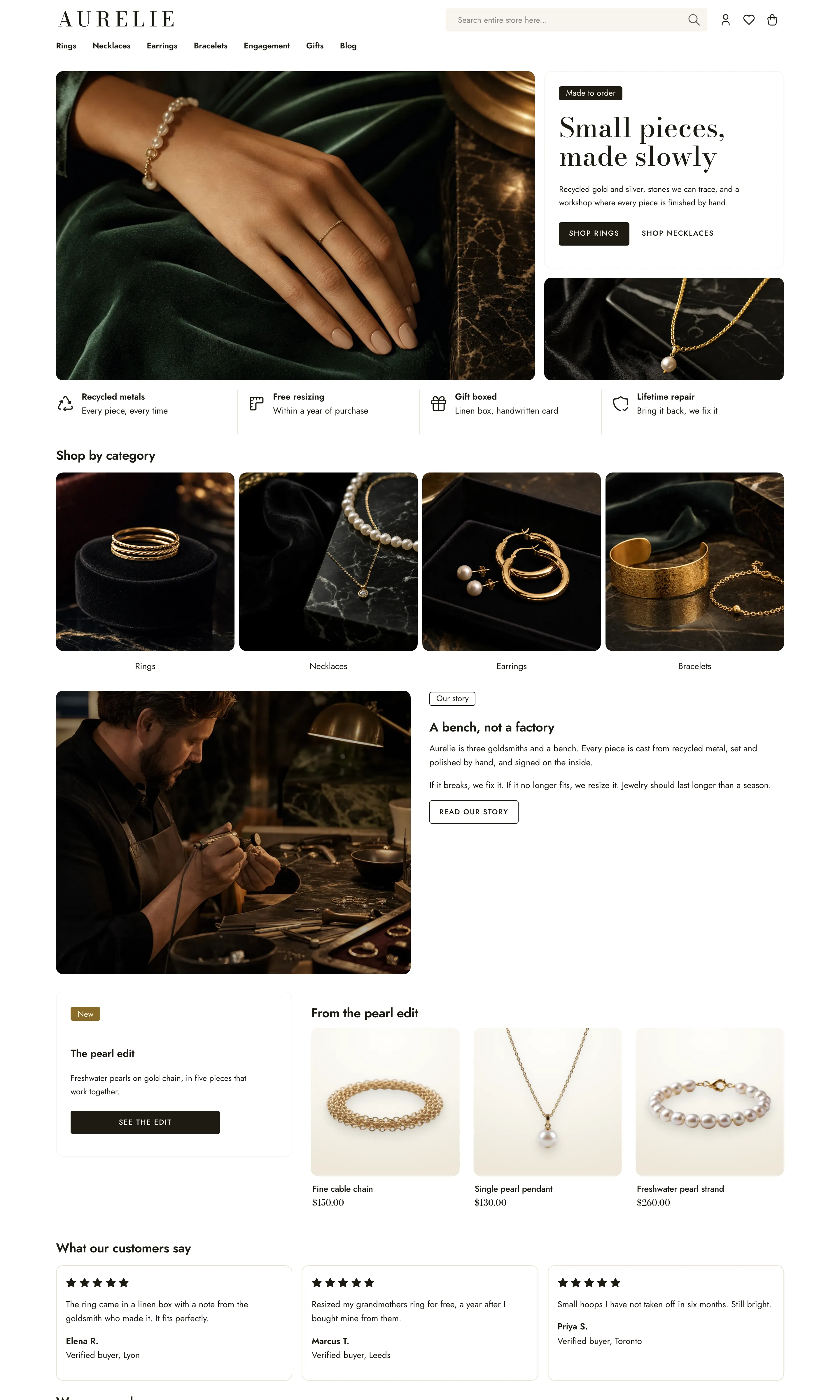
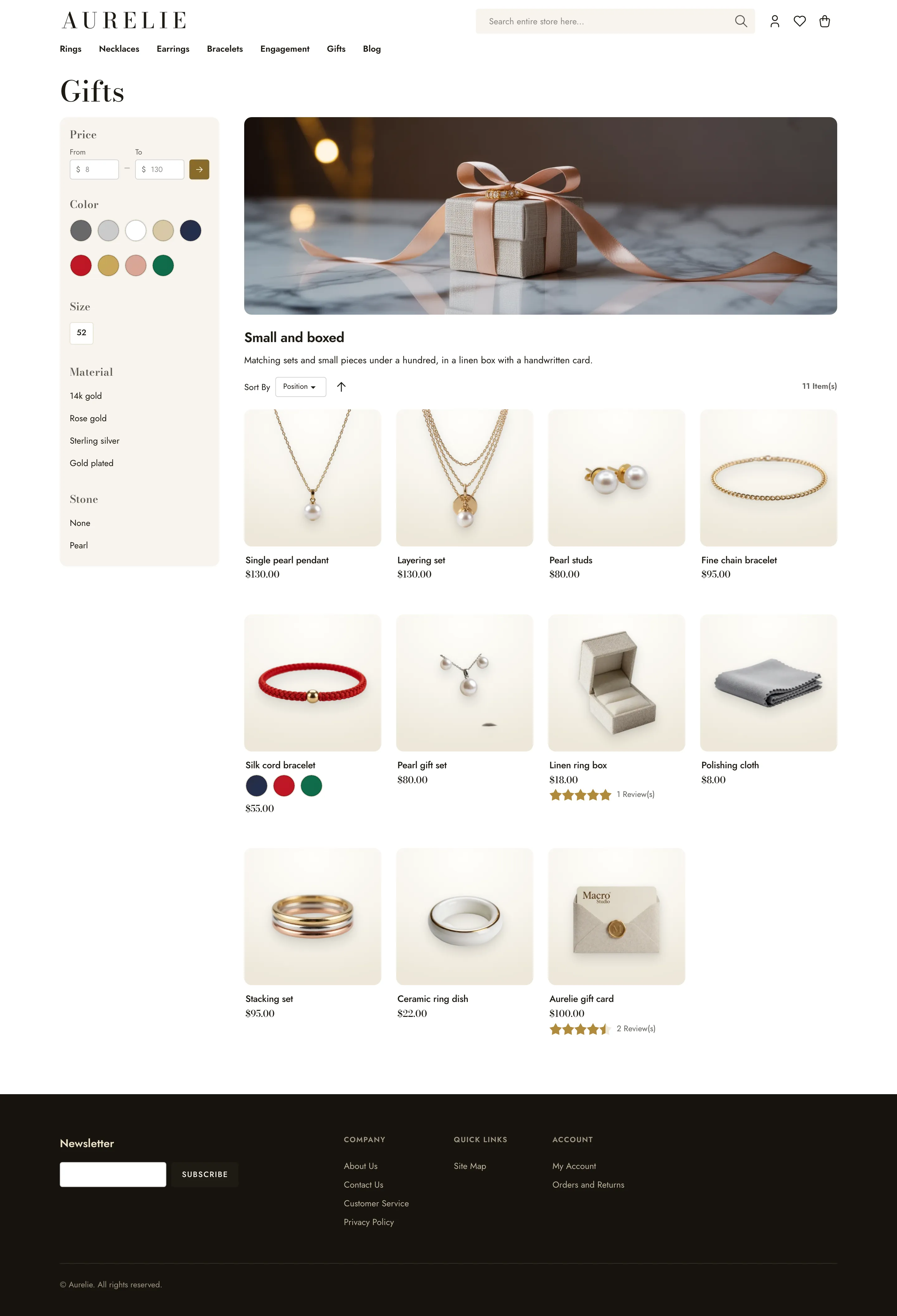
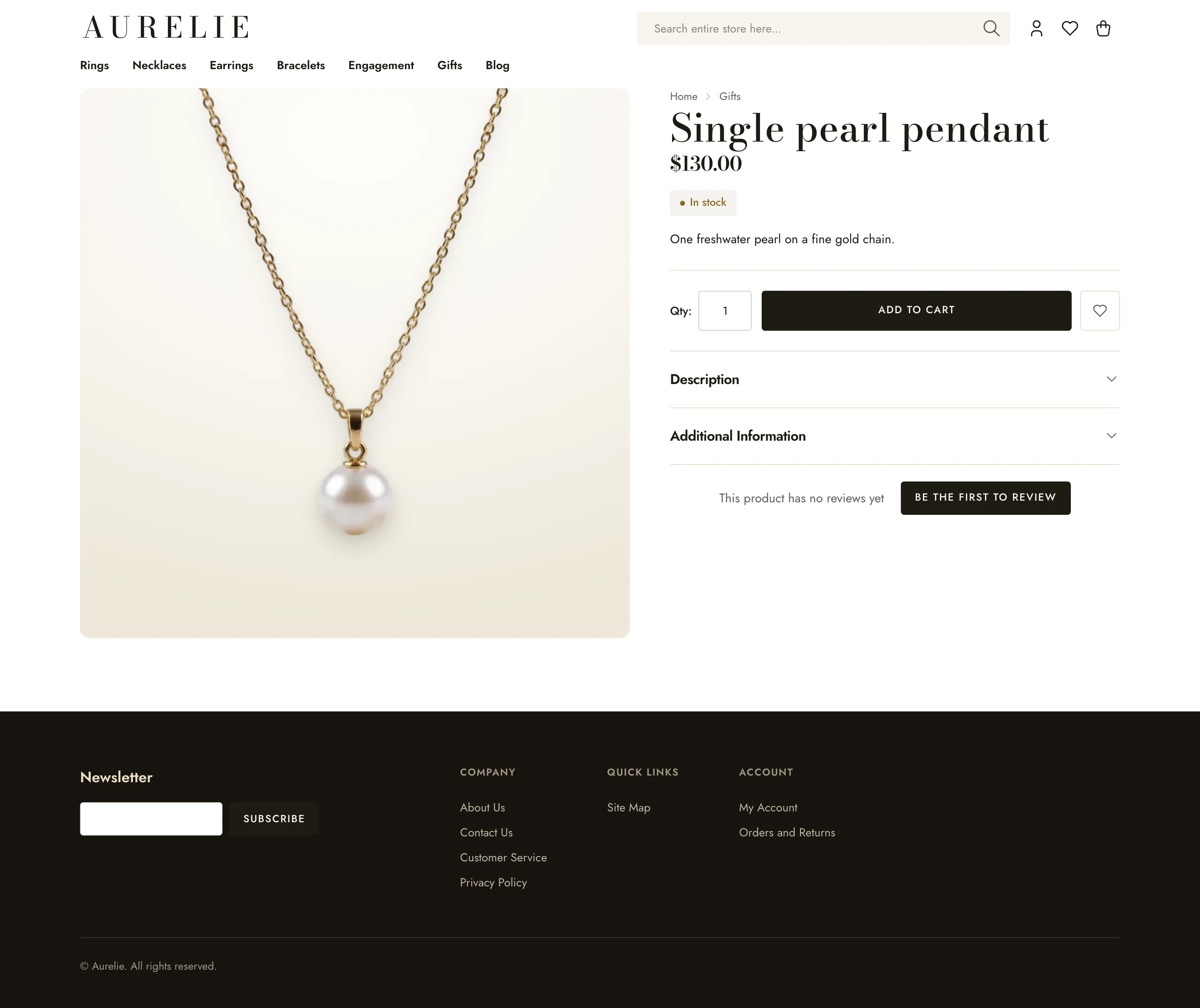
Jewelry Light + dark
Fine jewelry gallery. Warm white light, ivory tiles, ink actions, and gold kept for the stars.
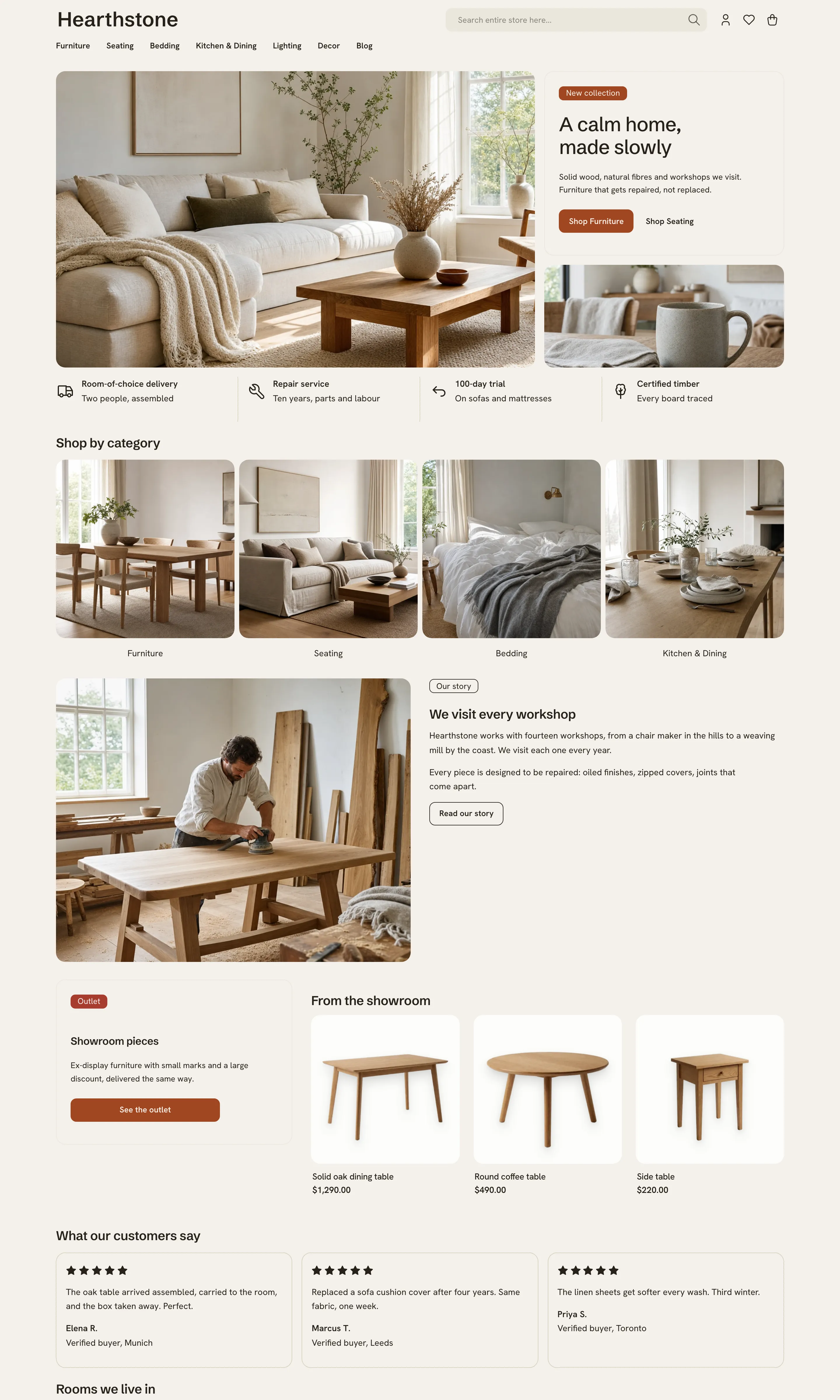
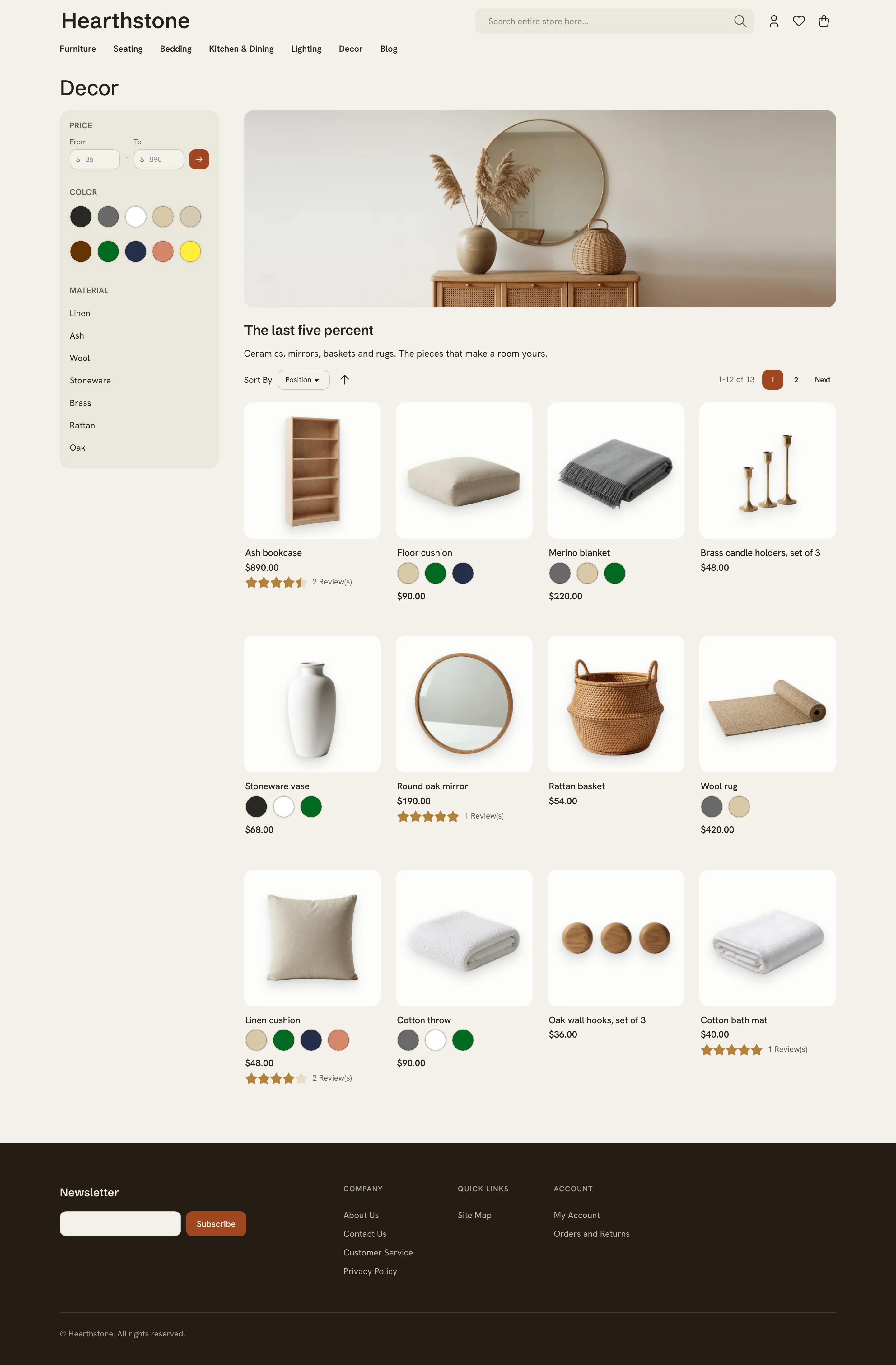
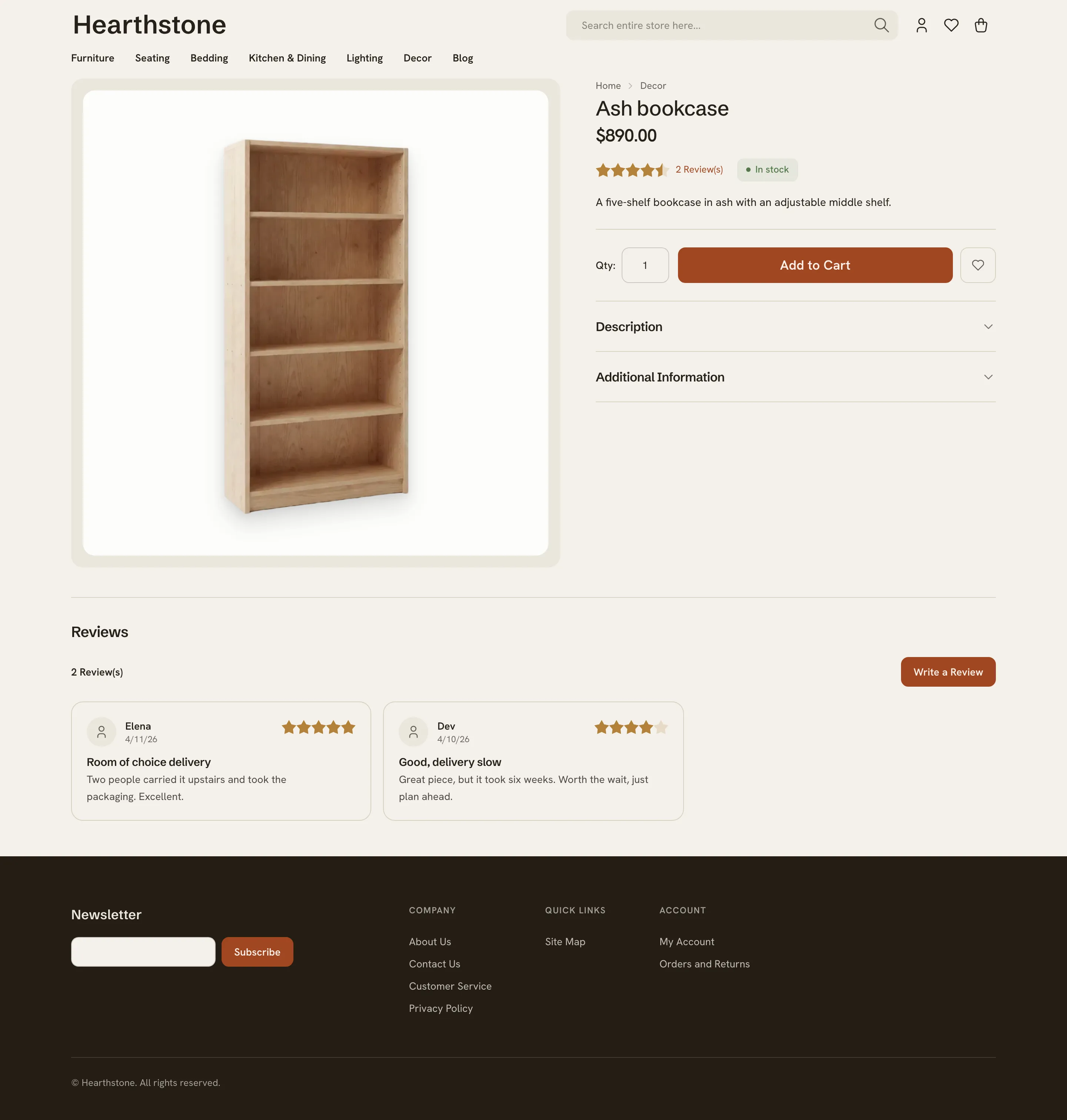
Home Light + dark
Furniture showroom. A warm greige field with white product plinths, one burnt-clay voice with olive in support.
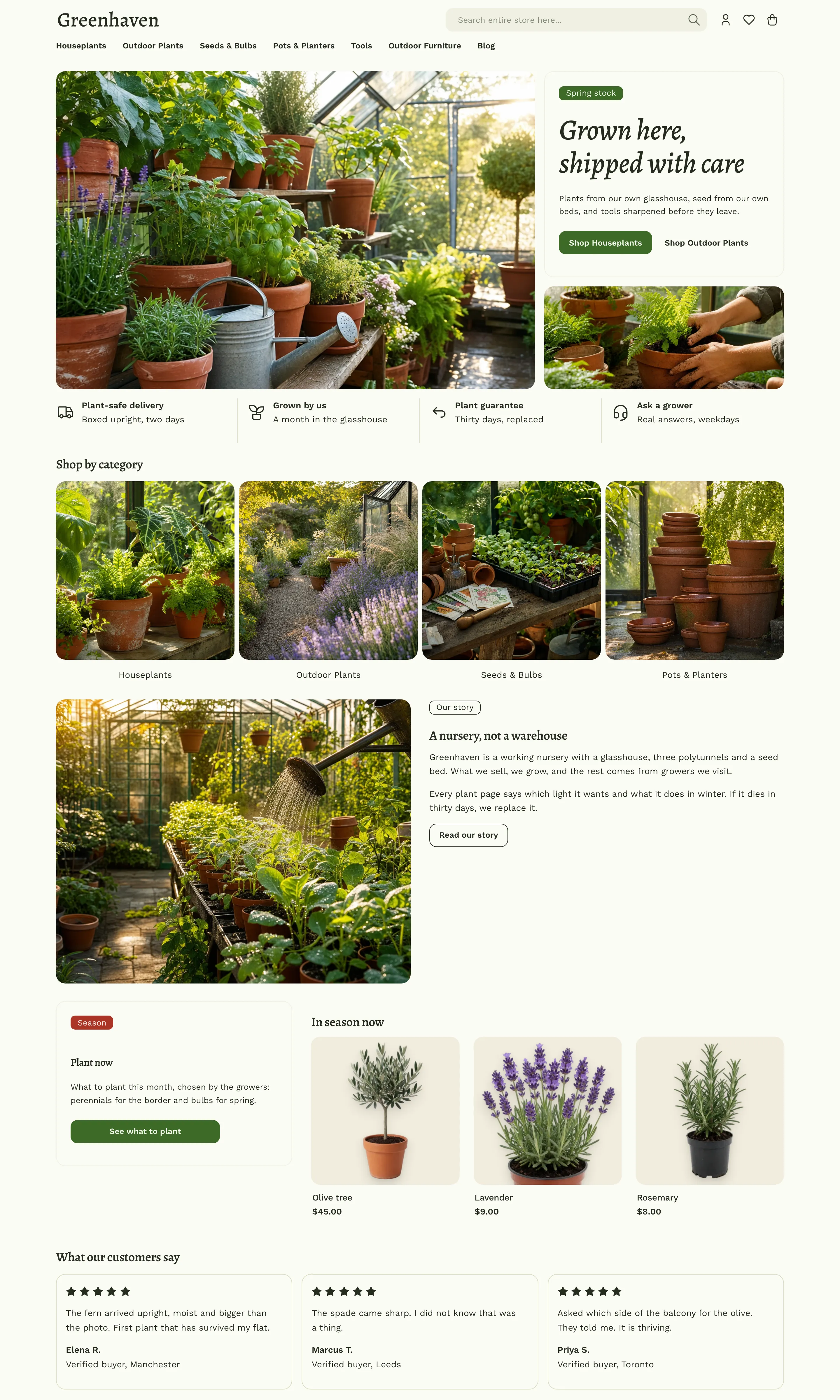
Garden Light + dark
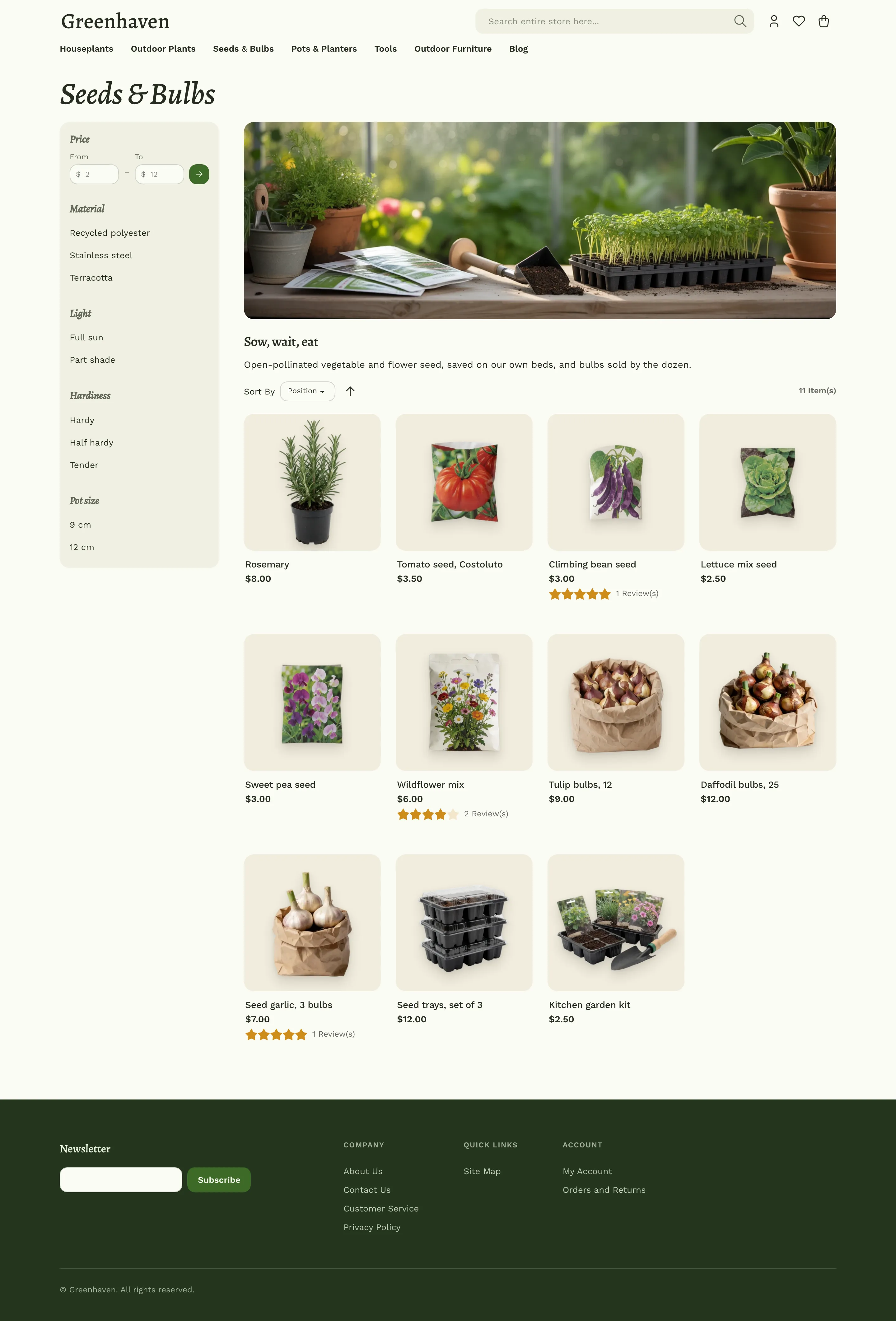
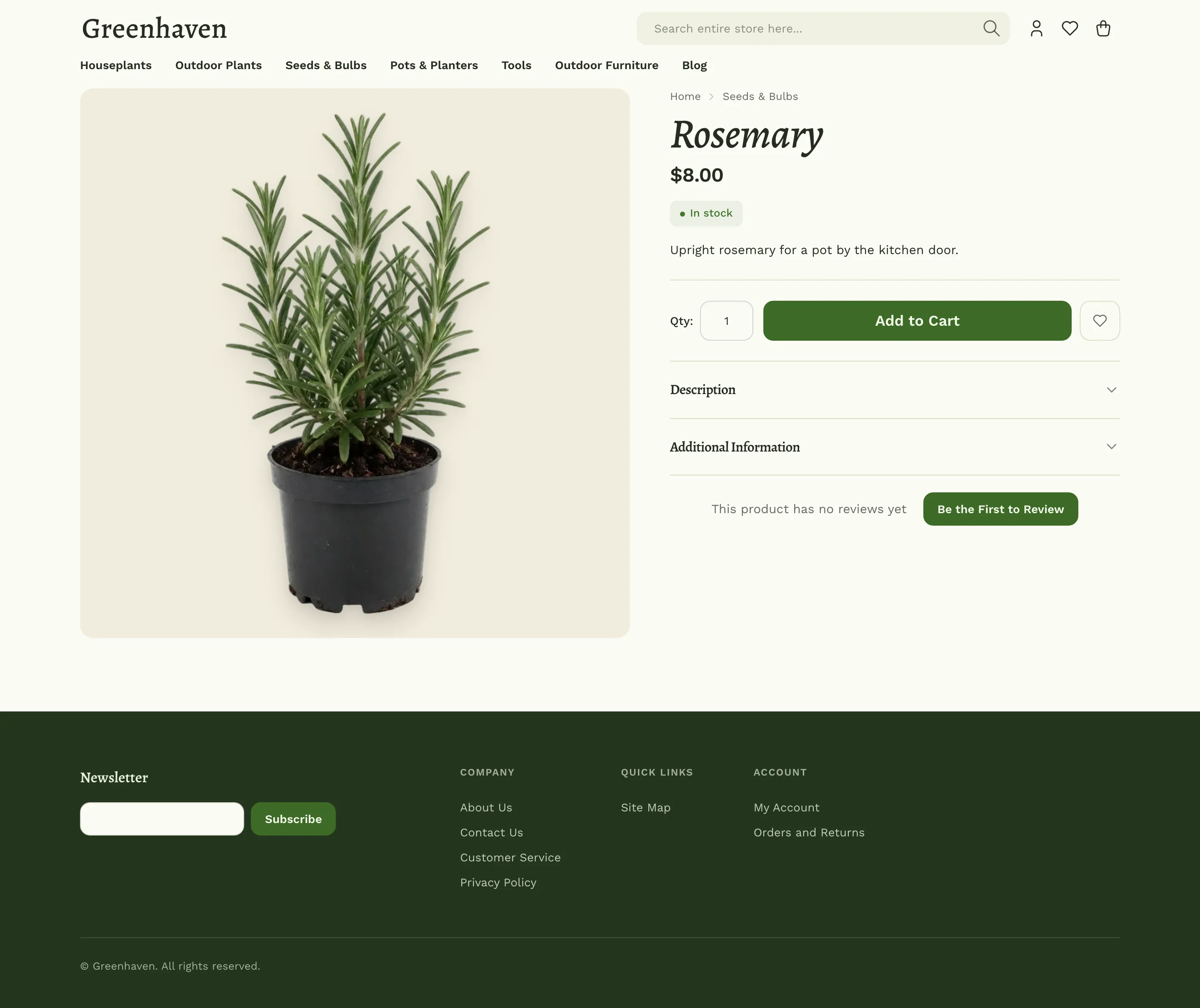
Plant shop. Paper white with a green cast, putty tiles, layered greens with terracotta as the accent.
Make it yours
Each theme is a thin layer of CSS variables, about a hundred lines, on top of one shared, compiled stylesheet. That is why changing a theme is cheap, and why the themes stay in step with every Maho release.
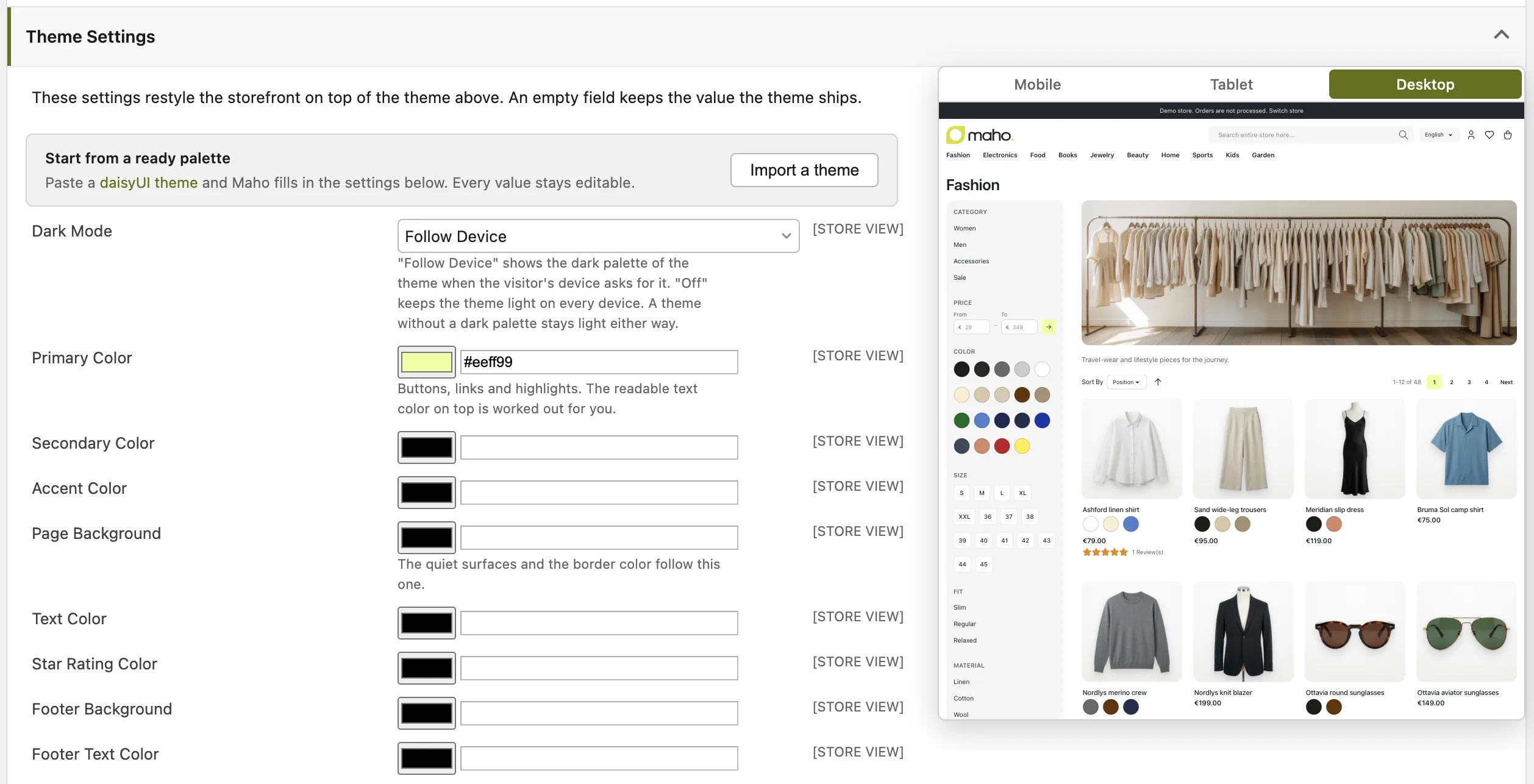
From the admin, with no code. Open System > Configuration > Design > Theme Settings. The page has a live preview and exposes the controls that define an identity: primary, secondary and accent colors, page background and text color, star rating color, footer colors, body and heading fonts with a web font stylesheet, heading weight and letter spacing, button case and letter spacing, three corner radii, control size, border width, raised surfaces, product image background, and a dark mode block for values that differ in dark mode. A Custom CSS field takes anything else. You can also import a daisyUI theme in one paste. Every field is optional: an empty field keeps the theme's own value, so a theme switch never leaves stale settings behind.
Per store view. Theme settings, like every design setting, apply at the website or store view level. One installation serves several looks: the demo store runs all eleven themes from one Maho, one store view each.
With a child theme, for developers. Run ./maho dev:frontend:theme:create to scaffold a theme that inherits from any of the eleven. Set variables in its theme.css, add rules, adjust layout with local.xml, and override templates only when you must. The theme development guide explains each tier and its cost at upgrade time, and the theme commands reference documents the create, build and export commands. dev:frontend:theme:export writes the admin Theme Settings of a store into a theme.css, so a look tuned in the admin can live in git.
Switching a store to a theme. Set the theme under System > Configuration > Design, at the website or store view level. All eleven live in the base design package.