A brand-new admin panel, in light and dark
Your customers see the storefront. You see the admin, every single day. It's where you add products, chase orders, tweak config, and spend hours that nobody outside your team ever notices. And while Maho has spent its whole life modernizing this platform from the inside, PHP 8.3+, a rebuilt checkout, modern tooling, one piece at a time, the admin was the one big surface still wearing the look it was born with.
So we rebuilt it. Maho's admin panel has been completely redesigned: a modern, calm, consistent interface with first-class dark mode. It lands in core with 26.7 in July, but you don't have to wait, you can click around the real thing on our live demo right now.
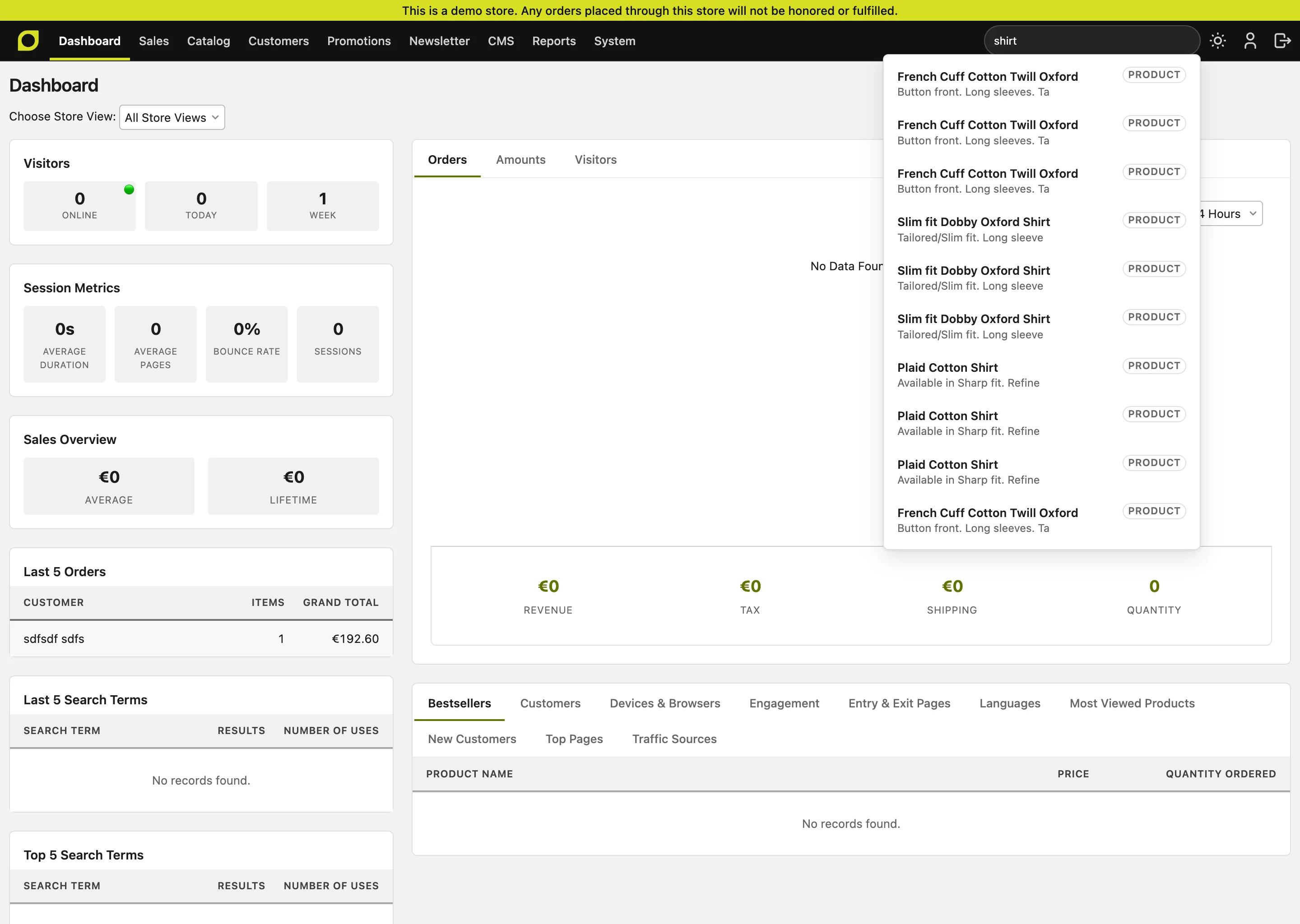
Why the admin deserved this
The storefront gets all the attention because it's the part shoppers touch. But the admin is where the actual work happens, and it's where your team's time goes. A backend that's cramped, dated, or hard on the eyes isn't a cosmetic problem: it's a tax you pay on every order you process and every product you publish.
This redesign is about respecting that time. Cleaner layouts, consistent controls, better contrast, and a look that feels like software made this decade. Nothing about your workflow changes, every screen is where you left it, it just feels considerably better to work in.
Dark mode, done right
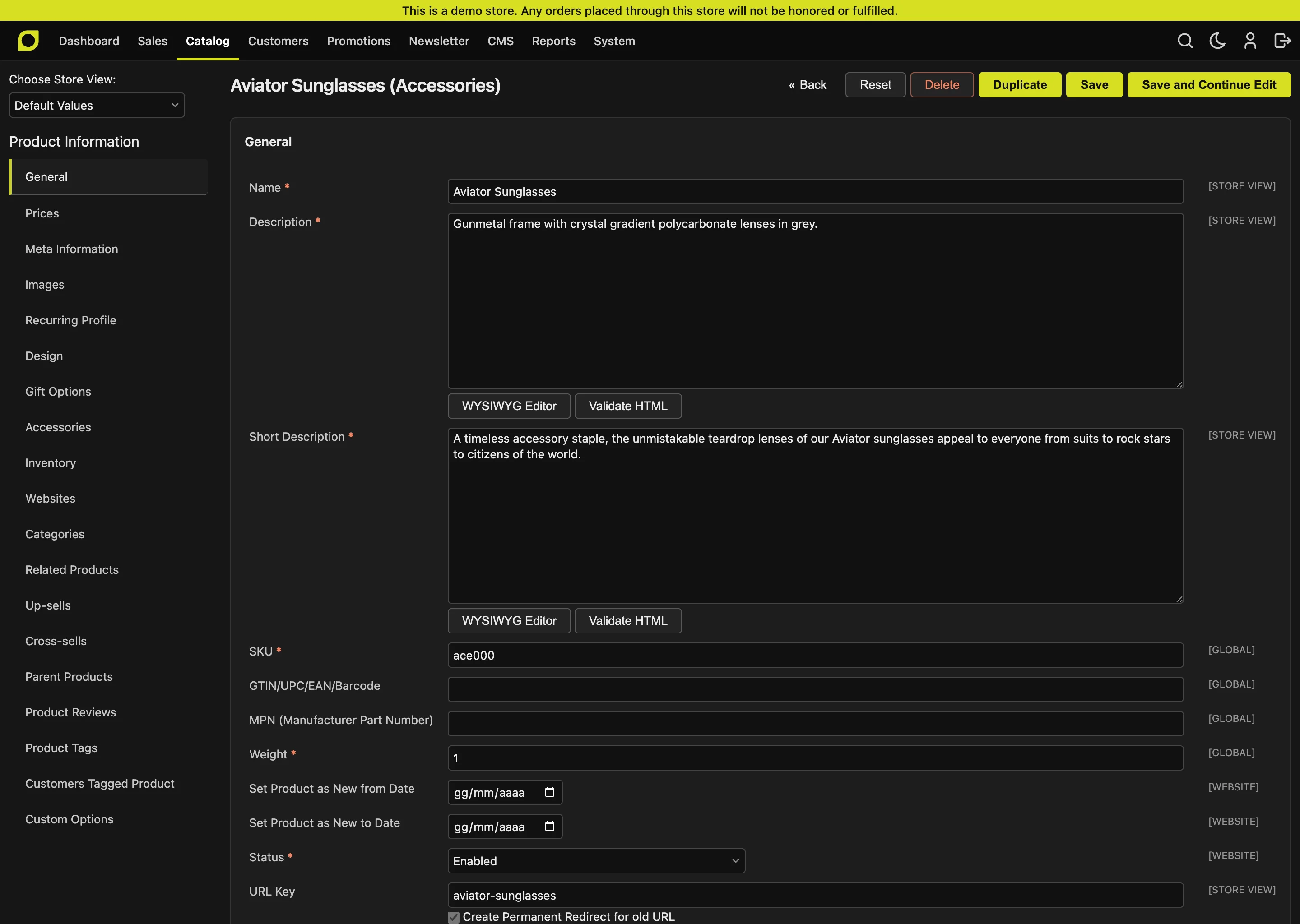
This is the headline, and we didn't cut corners on it.
By default the admin follows your operating system: if your Mac or Windows is in dark mode, so is Maho. Prefer to decide for yourself? A toggle in the header cycles system, dark, light, and your choice is remembered. We even apply it before the page paints, so there's no jarring white flash when you load the backend at night.
Under the hood it's built on the modern CSS light-dark() function rather than a bolted-on theme switch, and every colour was checked for WCAG AA contrast in both modes. Whether you run your shop at 9am or 1am, it reads cleanly.
One design system, everywhere
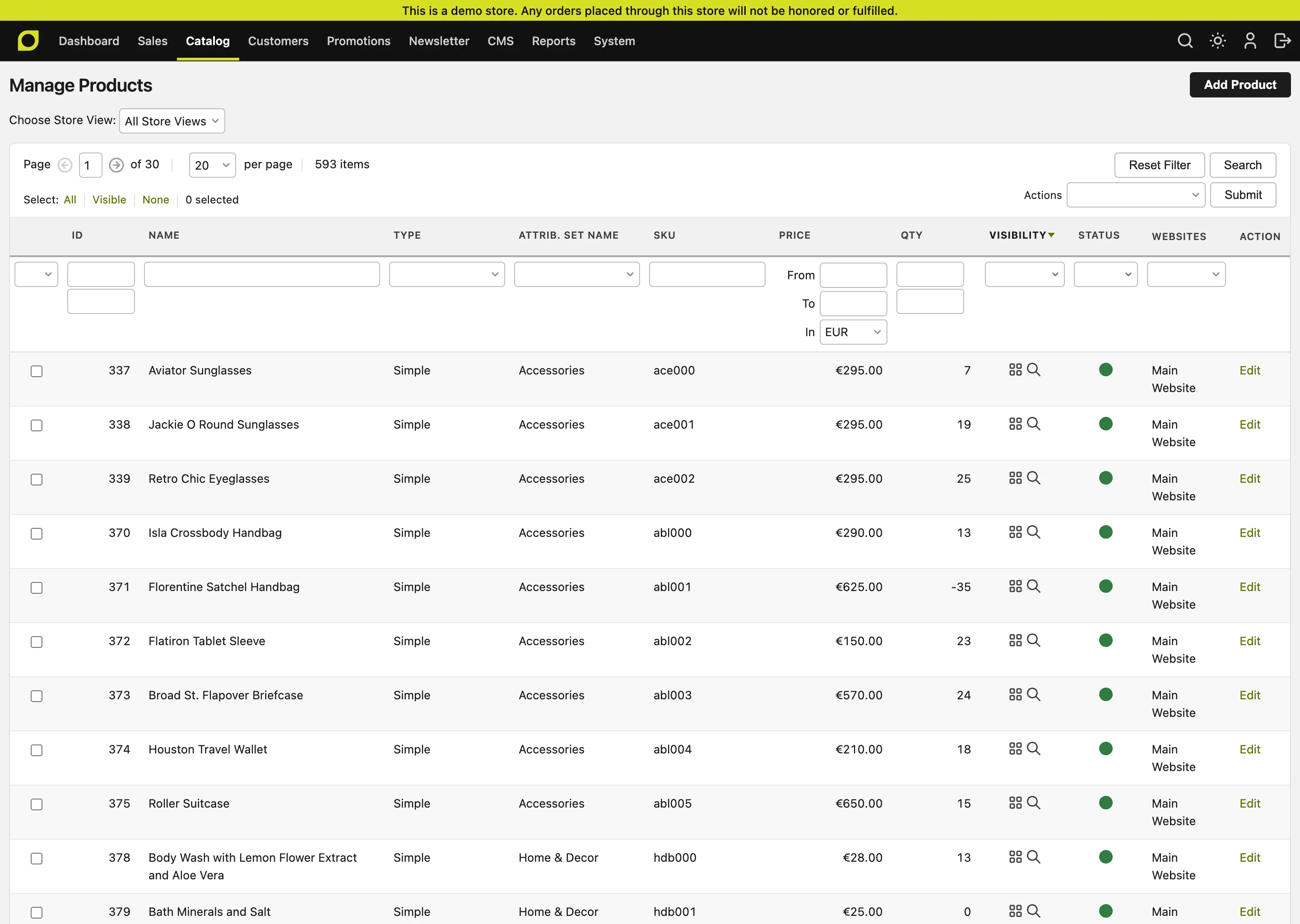
The biggest win is consistency. The whole interface is now driven by a single set of design tokens: one place that defines every colour, surface, border, spacing step, and radius the admin uses.
That means a button looks like a button everywhere. A data grid in Sales behaves like a data grid in Catalog. Forms, dialogs, the system configuration accordion, the global search dropdown, all of it shares the same vocabulary. A pure neutral graphite palette keeps things out of your way, with Maho's signature chartreuse as the one accent that marks what matters: the active page, a focus ring, a primary action.
Lighter and cleaner under the hood
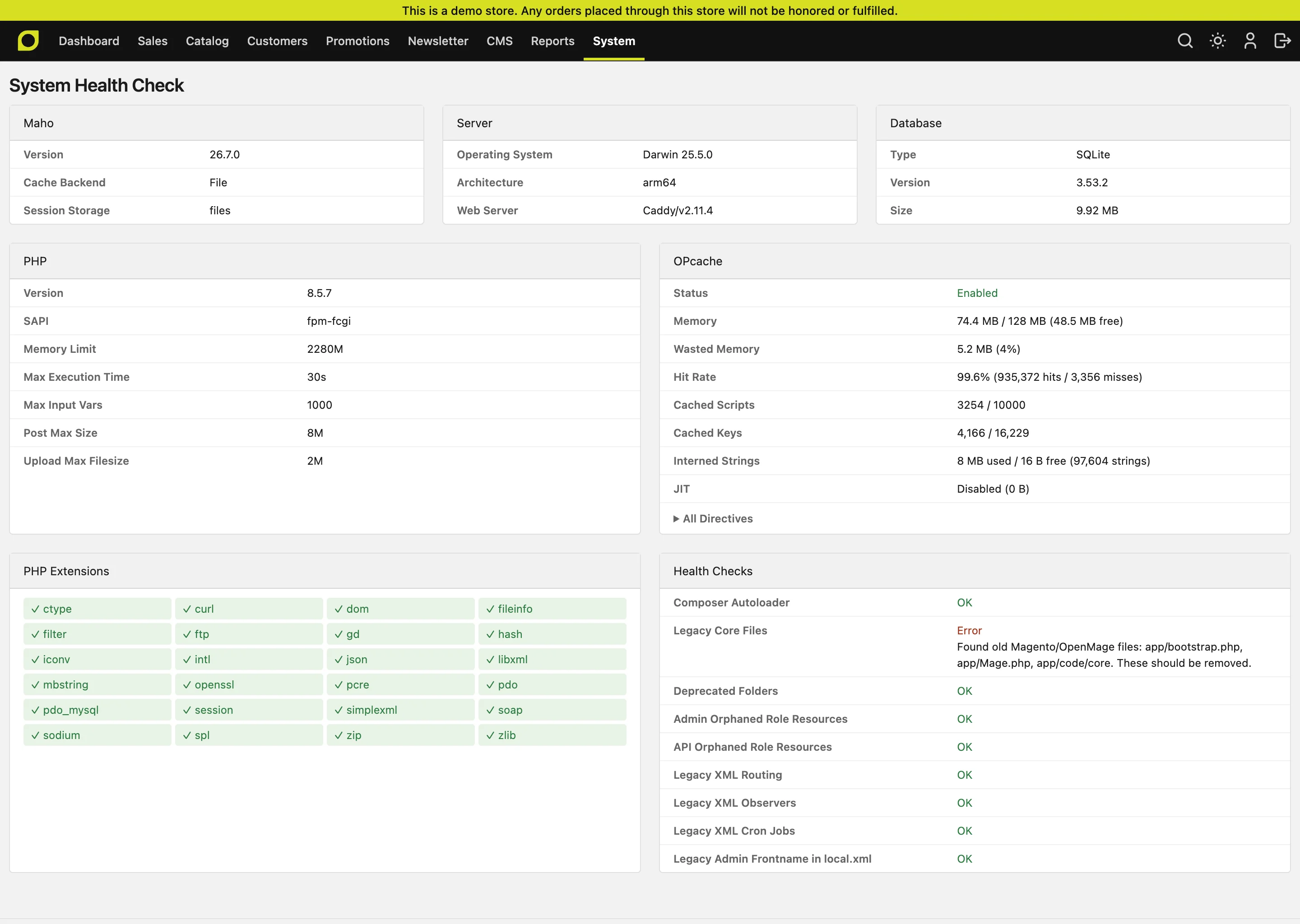
A redesign is also a chance to throw out a lot of baggage. We deleted more than 70 legacy images, the old GIF and PNG sprites for buttons, gradients, arrows, and tree icons the backend had carried for years. They're gone, replaced by crisp CSS and SVG that stay sharp on any screen.
And here's the part we like most: there's no new dependency and no build step. The entire redesign is plain CSS and a handful of small scripts. Nothing to compile, nothing new to install, nothing to keep updated. It just loads.
Still yours to make your own
Because everything is built on CSS custom properties, the new admin is easier to theme than the old one ever was. Want your agency's brand colour instead of chartreuse, or a tighter spacing scale for power users? Override a few tokens and you're done, no fighting a tangle of hardcoded styles spread across dozens of files.
And as always, it's fully open source. Every token, every rule, every pixel is on GitHub for you to read, fork, and reshape.
Try it before it ships
You can experience the whole thing today, no install required. Head to our live demo, open the admin panel with the credentials listed there, and click the scheme toggle in the top bar to flip between light and dark. Have a wander through the dashboard, the product grids, system configuration, and the health check, it's the exact build heading into 26.7.
The redesign ships in core with Maho 26.7 this July. If you're already running Maho, you'll get it as part of the upgrade, with zero migration work on your side.
Maho rocks! 🚀